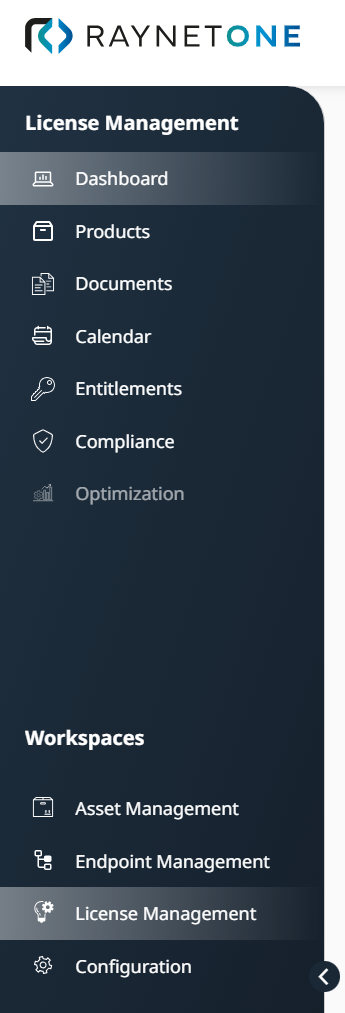
In the License Management workspace of the sidebar menu, you can manage software licenses, purchases, entitlements, compliance, and lifecycle activities for your organization. The workspace uses SAM AI and the AI Chat connection to support the complete License Management (LM) workflow, from purchase data extraction and product recognition to entitlement management, compliance risk detection, cost optimization, and ELP analysis.
You can execute the following operations:
•Narrowing down records across list views using saved filter rules and per-filter toggles, via Focus View.
•Monitoring the overall license health, compliance status, upcoming renewals, and optimization opportunities, via Dashboard.
•Browsing the commercial and technical product catalog, via Products.
•Capturing and managing purchases and license agreements, and the entitlements derived from them, via Documents.
•Tracking renewals, expirations and lifecycle events, via Calendar.
•Reviewing license entitlements, checking allocations, and identifying ungoverned software, via Entitlements.
•Assessing the ELP and identifying compliance gaps across your software portfolio, via Compliance and ELP.
Optimization is shown in the sidebar menu but is not yet available. It is a planned area that will give recommendations based on your existing compliance data, for example purchases that expire soon and need replacing, under-licensed products that need immediate action, and possible cost savings by switching license models or changing the architecture.
Access: Open Workspaces > License Management in the left sidebar.
The following sections describe the LM workflow in more detail, including dashboard monitoring, purchase capture, entitlement handling, lifecycle tracking, compliance reconciliation, and ELP review.