The Purchases tab of an entitlement lists the purchase items that contribute to the entitlement. Use it to verify where the quantity, validity period and cost of the entitlement come from.
Open the tab with Workspaces > License Management > Entitlements, select an entitlement and click Purchases. The tab is only shown when purchase items are linked to the entitlement. For Perpetual entitlements it is also shown when a purchase item of the same product and metric contains Maintenance.
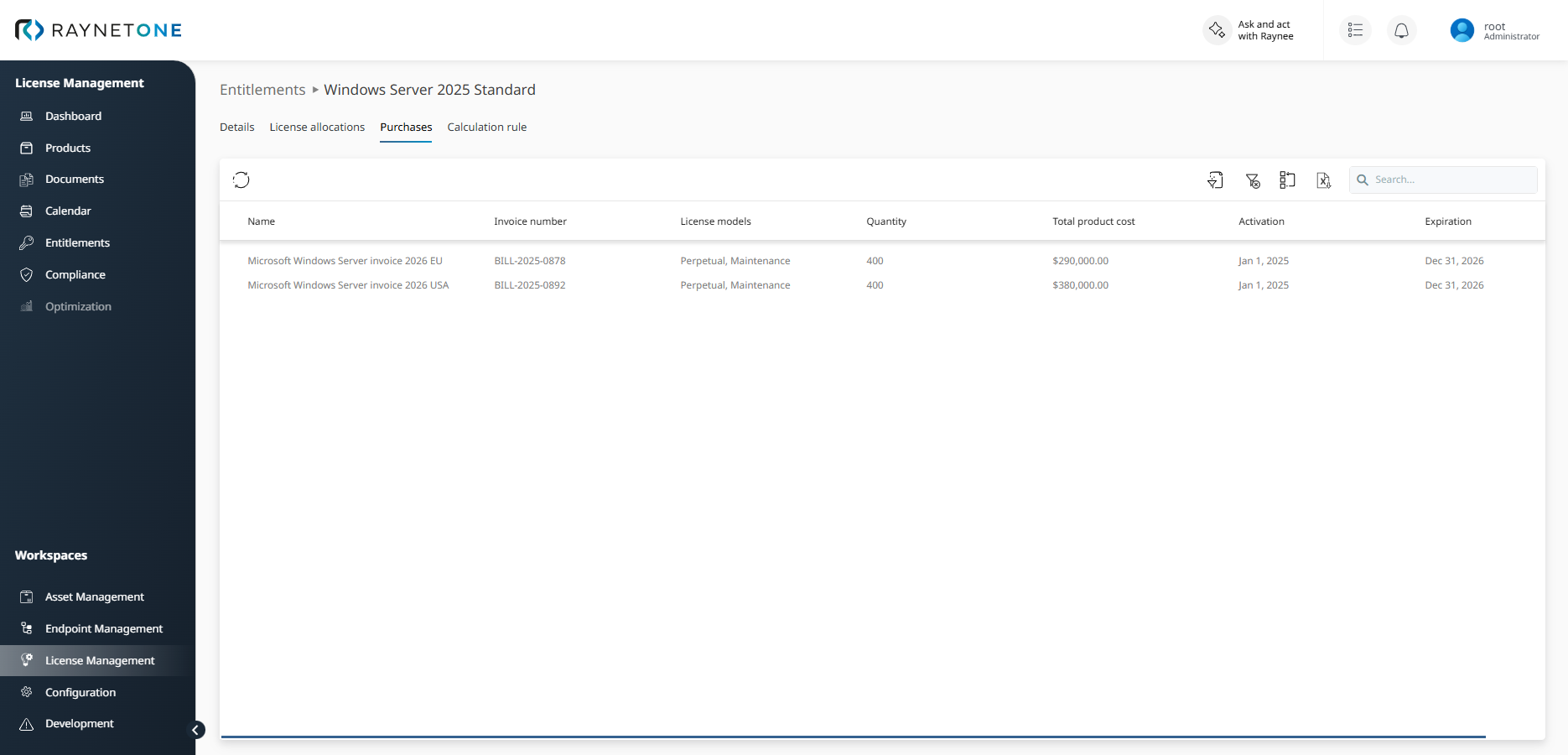
Columns
•Name: Name of the purchase.
•Invoice number: Invoice number of the purchase.
•License models: License models of the purchase item.
•Quantity: Total quantity of the purchase item.
•Activation: Start of the validity period.
•Expiration: End of the validity period.
•Total product cost: Cost of the purchase item.
•Hidden by default and available in the column chooser: Contract number, PO number, Sales order number and Quote number.
Available actions
The toolbar provides Refresh, Filter and Search. Click a row to open the purchase. See Purchase view.
|
Note: |
