The Purchases tab of a compliance record lists the purchases related to the selected compliance result. Use it to verify the purchase records that contribute to the entitlement data used in the compliance calculation.
Open the tab with Workspaces > License Management > Compliance, click a product row and select Purchases. The tab is only shown when the entitlement of the compliance record has purchase items.
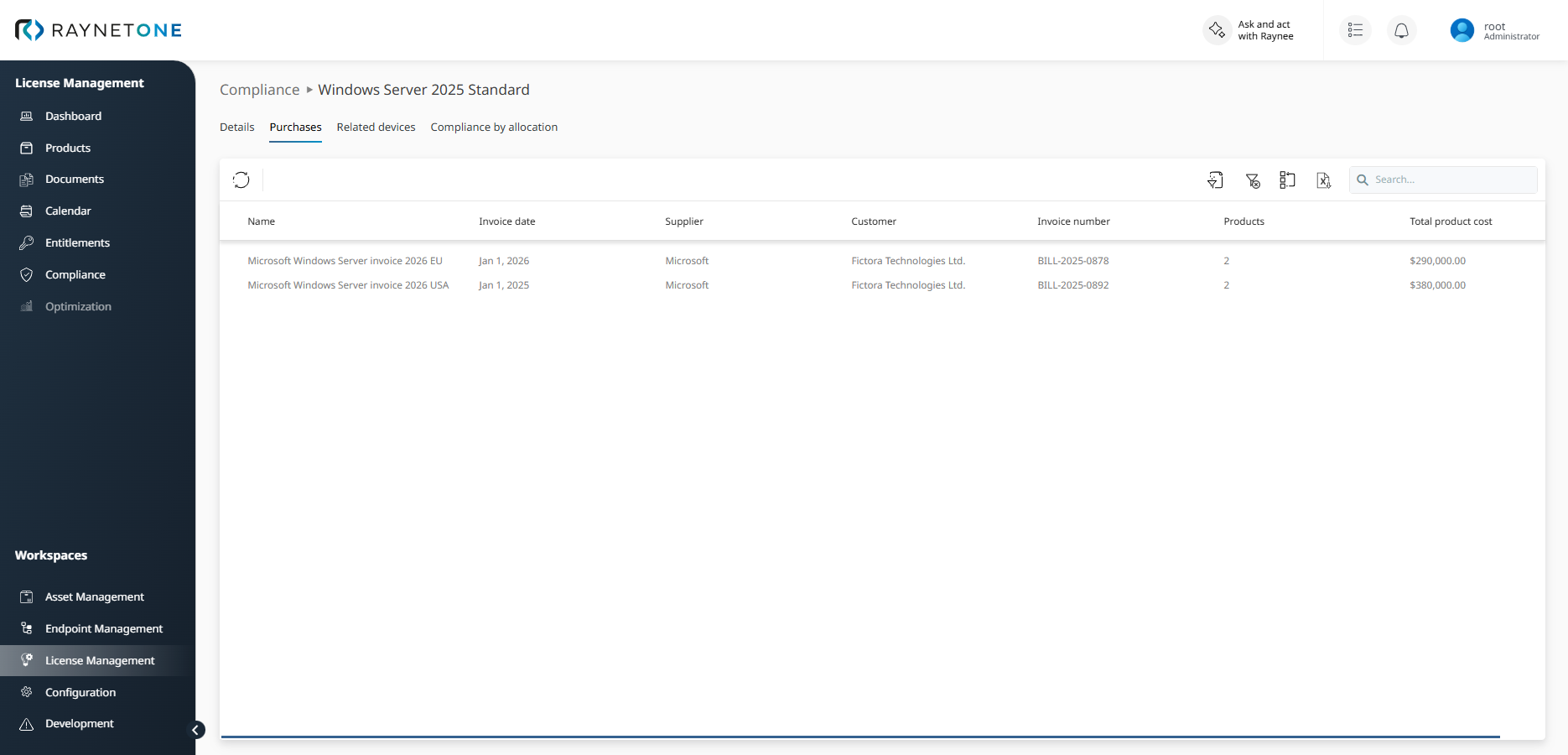
Columns
•Name: Name of the purchase.
•Invoice date: Invoice date of the purchase.
•Supplier and Customer: Supplier and customer of the purchase.
•Products: Number of products of the purchase that belong to the entitlement.
•Total product cost: Cost of these products.
•Invoice number: Invoice number of the purchase.
•Hidden by default and available in the column chooser: Contract number, Creation date, Last update, Extends/Replaces, PO number, Sales order number and Quote number.
Available actions
The toolbar provides Refresh, Filter and Search. Click a row to open the purchase. See Purchase view.