The sidebar menu is the central point of navigation across the entire platform. It shows the way to all available functions in several workspaces. Depending on your goals and planned procedures, you can toggle between: Asset Management, Endpoint Management, License Management and Configuration. While you determine the rules and parameters under Configuration, actual platform actions are located in the other workspaces, for example under Asset Management.
For example, you can access and manage all tasks, be it discovery or inventory, inspect devices, networks and databases in the Asset Management workspace. Detailed information on asset management functions is available in the chapter Asset Management.
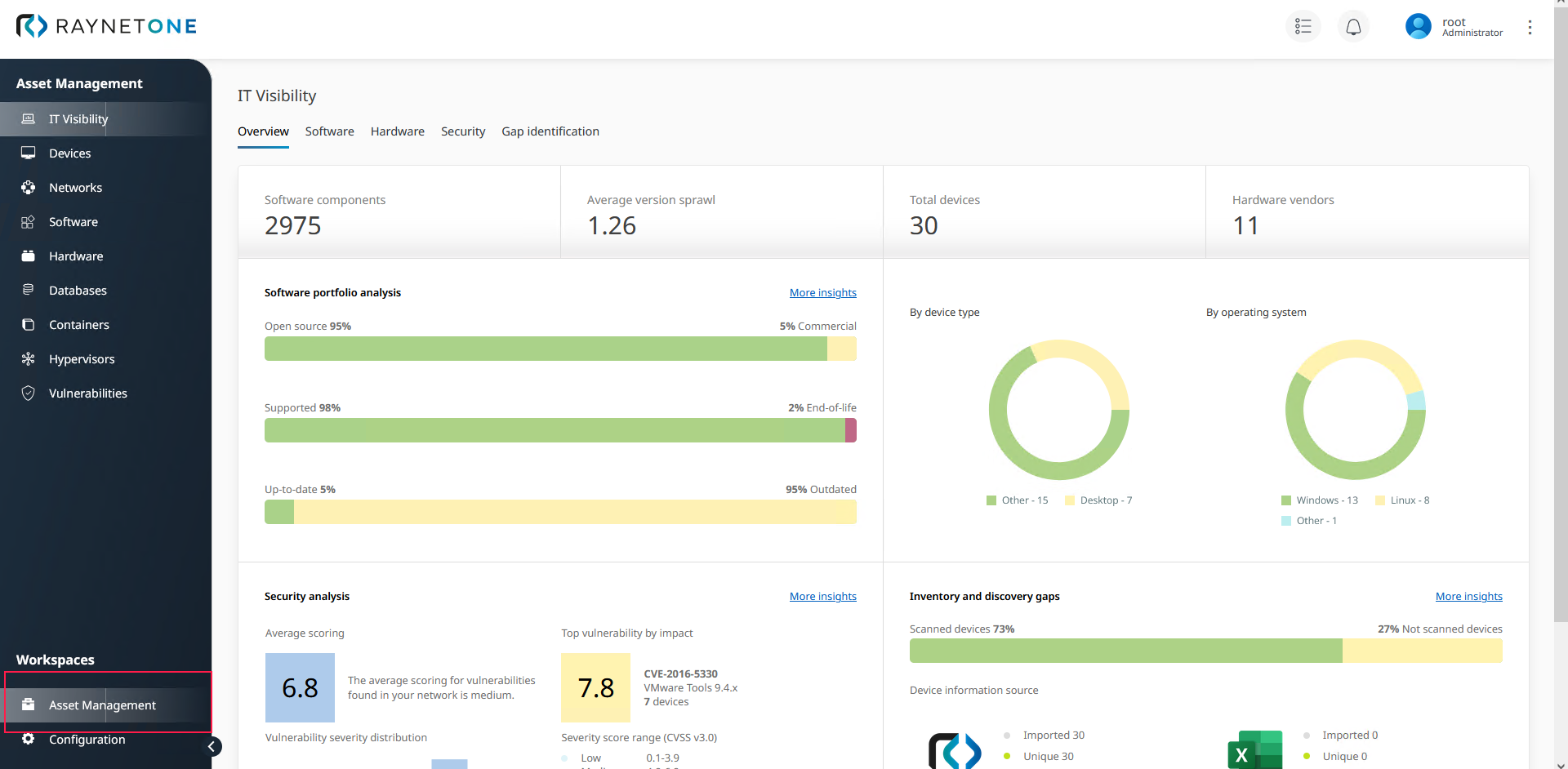
Overview of the Asset Management Workspace.
Endpoint Management Workspace
In the Endpoint Management workspace, you can distribute software packages to managed devices, supervise device states, keep software up to date and monitor endpoint jobs. There is more detailed information in the chapter named Endpoint Management.
License Management Workspace
In the License Management workspace, you can manage purchases, license agreements, entitlements and compliance, and track renewals in a calendar. There is more detailed information in the chapter named License Management.
Configuration Workspace
In the Configuration workspace, you can access and manage all operational settings which the platform needs to run adequately. There is more detailed information on configuring and customizing the platform in the chapter named Configuration.
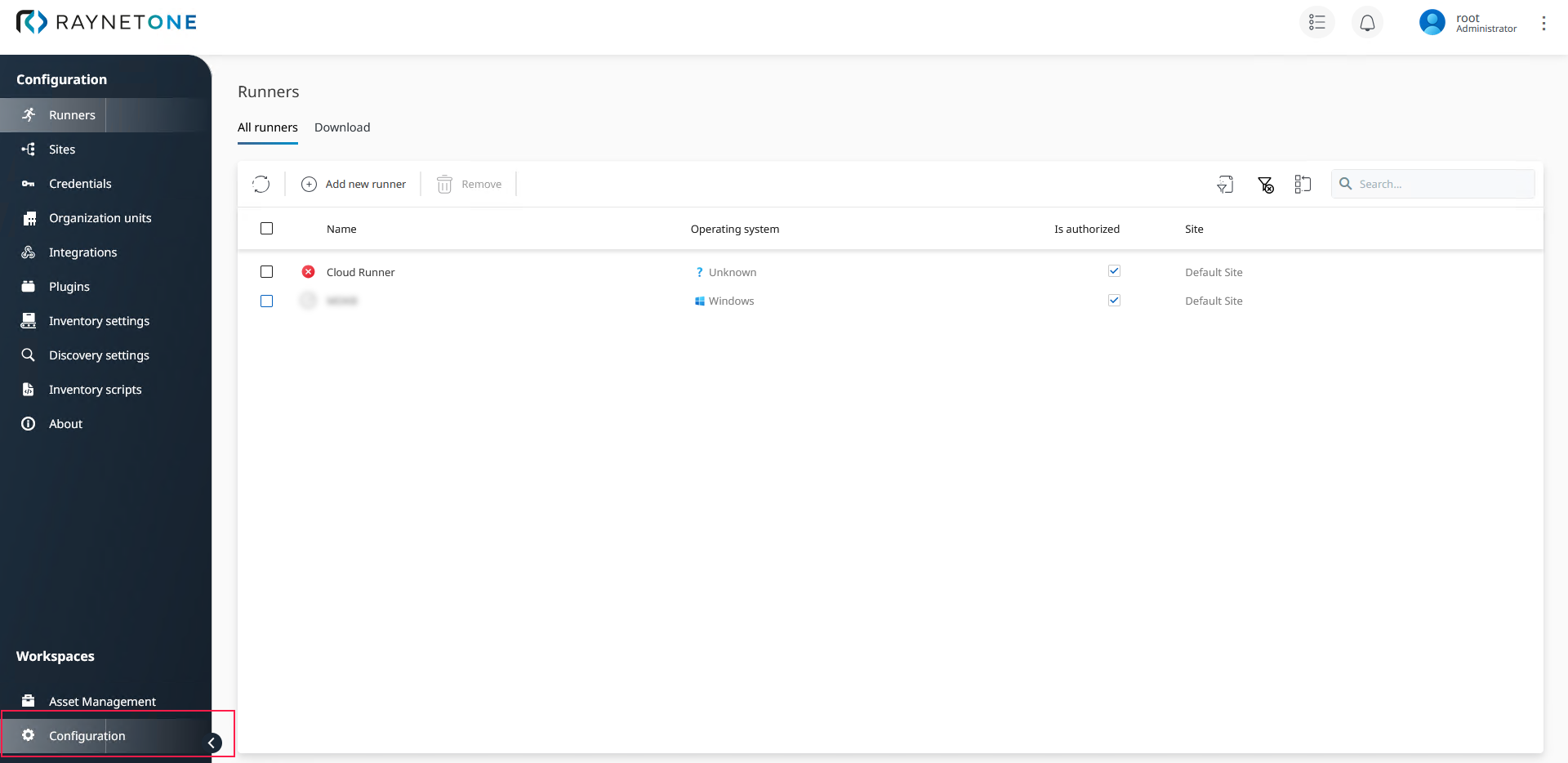
Overview of the Configuration Workspace. The first navigation menu item is called Runners.