The Calendar in Raynet One LM provides a centralized, time-based view of all critical events across your license portfolio. It helps SAM teams proactively manage renewals, expirations, contract uploads, and other time-sensitive activities to avoid compliance gaps and unnecessary costs.
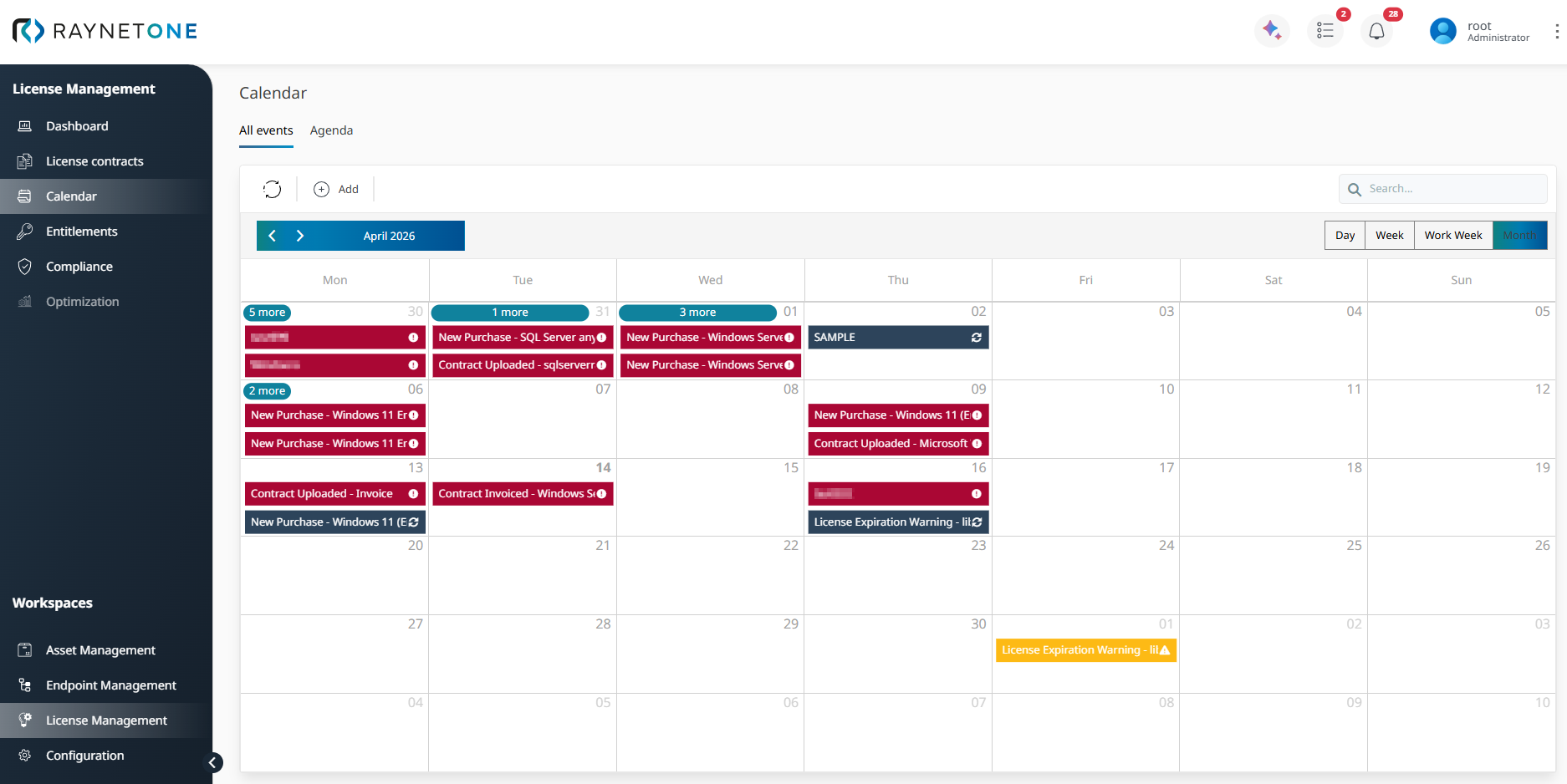
The calendar supports multiple views (Day, Week, Work Week, and Month). It automatically displays different types of events with clear color-coded indicators:
•New Purchase events (red)
•License Expiration Warnings (yellow - high priority)
Events are generated automatically from your license contracts and entitlements, including upcoming renewals, maintenance expirations, and contract-related milestones. You can also manually add custom events using the + Add button in the toolbar.
Go to to the section Adding Manual Events below, there you will be guided through the process.
Strategic Value
Effective lifecycle management is essential for minimizing audit risks and optimizing software spend. The Calender serves as an early-warning system that enables proactive decision-making, such as initiating renewal negotiations in time, reclaiming unused licenses before they expire, or planning budgets for upcoming renewals.
 |
Best practice: |