Access: Open Configuration > Infrastructure > Runners in the left sidebar.
On the Raynet One platform, runners are mandatory tools to discover and inventory your IT assets and landscape. They serve to find new devices in the managed environment (discovery run), explore data and detect data structures within selected devices. The operation of collecting device information is called device inventory. The Runners view displays all available runners and their host operation systems used in your environment. You can use either Windows (available as .MSI file) or non-Windows runners (packaged in a Docker container). For more information on runner installation requirements, see the chapter OS prerequisites and requirements.
In the Runners view, you can perform the following actions:
•selecting and deselecting existing runners,
•verifying the runner connection health,
•verifying the deployment of up-to-date runners,
•adding new runners, or removing and unauthorizing redundant ones,
•assigning runners to different Scopes,
•inspecting runner details, configuration settings, services, and scope assignments using the Details, Configuration, Services, and Scopes tabs of the runner details view, and
•downloading Linux and Windows runners.
The runner service toolbar provides the following actions: Add (register a new runner), Stop (pause the runner service), Restart (restart the runner service), Edit (modify runner settings), and Remove (unregister the runner).
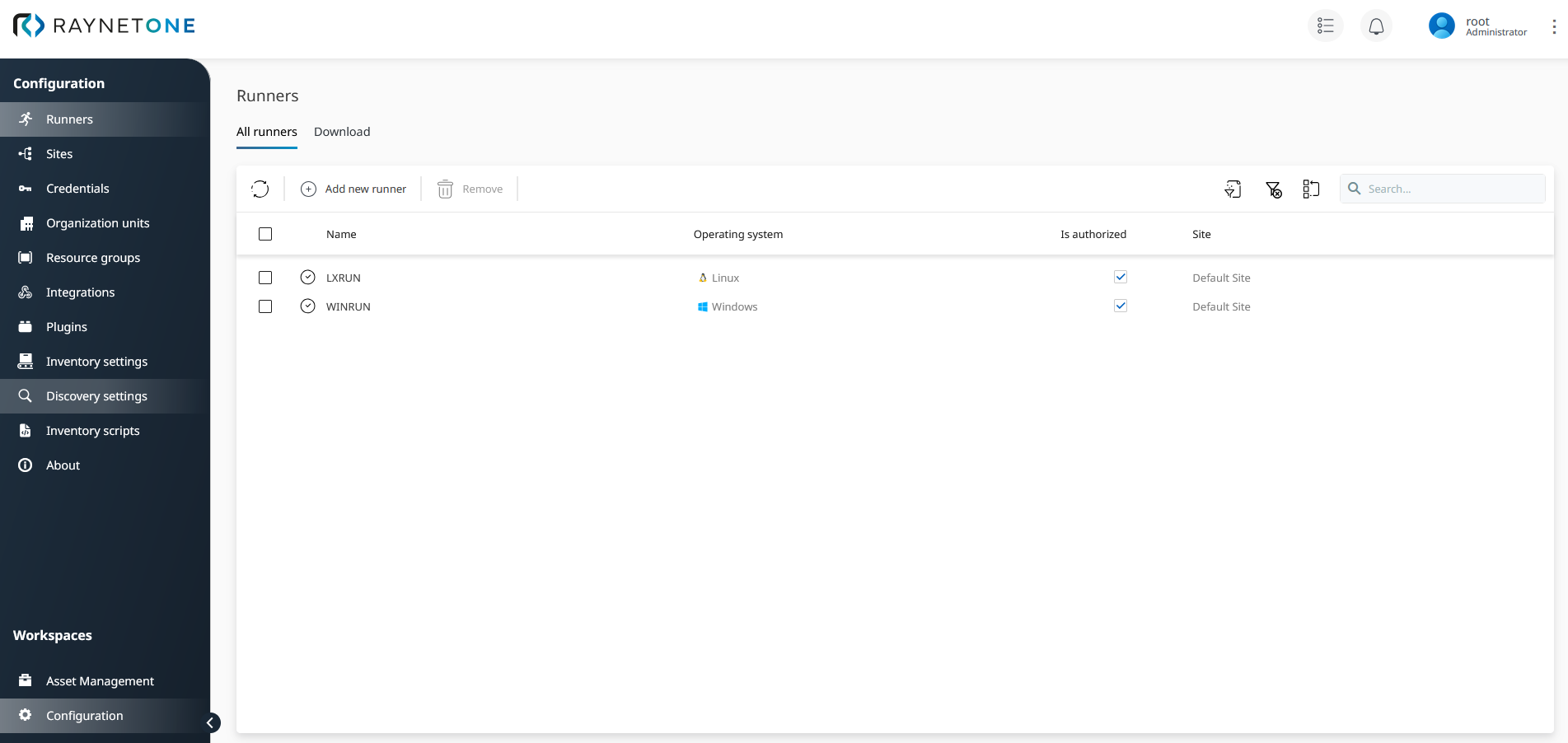
Runners view displaying all available runners which are used on the platform. There is one Windows and one Linux variant of the runner. Both of the them are authorized and ready to take action on your behalf. The check-mark icon signifies their successful connection to the system.
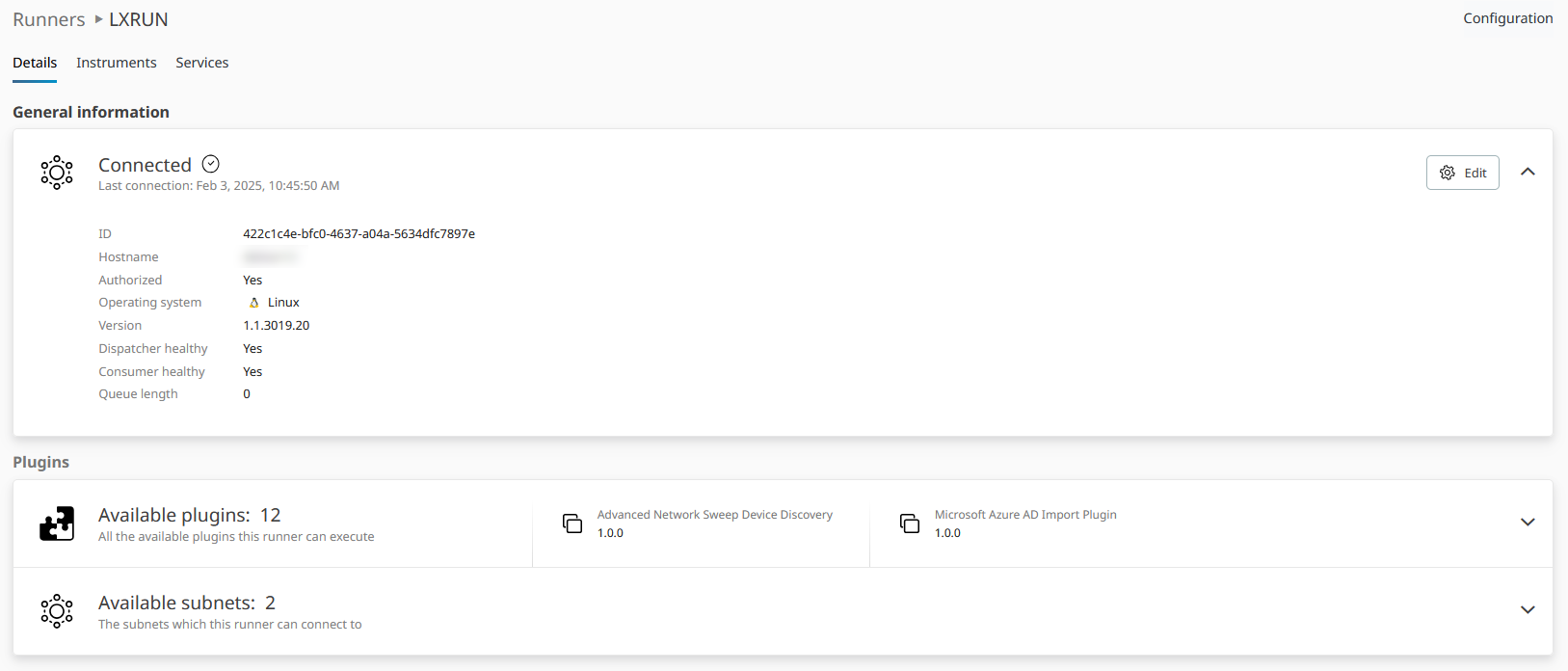
Details tab of the runner details view displaying runner properties such as version and connection status. Runner-specific settings such as name, instrument log level, parallel workers, and Java path are available on the Configuration tab. Use up-to-date runners to ensure proper device inventory operation.
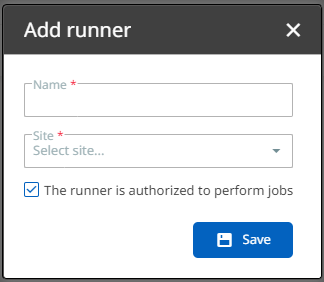
Add runner dialog used to create new Linux or Windows runners. Each runner needs a distinct name different from any other registered runner. New runners are authorized automatically upon creation. Authorization status can be changed later by editing the runner.
For a practical step-by-step guide on runner installation, see the chapter Add a new runner.
Windows ARM64 agent package
A native Windows ARM64 agent package is now available for download and distribution. Previously, ARM64 Windows systems used the x64 package as a compatibility fallback. The dedicated ARM64 package provides native performance on ARM-based Windows systems and eliminates the need for any architecture workaround during deployment.
When downloading the Windows agent package, select the ARM64 variant for deployment on Windows devices running on ARM-based processors. The x64 package remains available for conventional 64-bit Intel and AMD systems.
|
Note: |
