The Settings tab is found under Configuration > License Management > Settings. It contains global settings for compliance evaluation, price display and license document import in License Management. This page is only visible when the License Management license term is active on your installation.
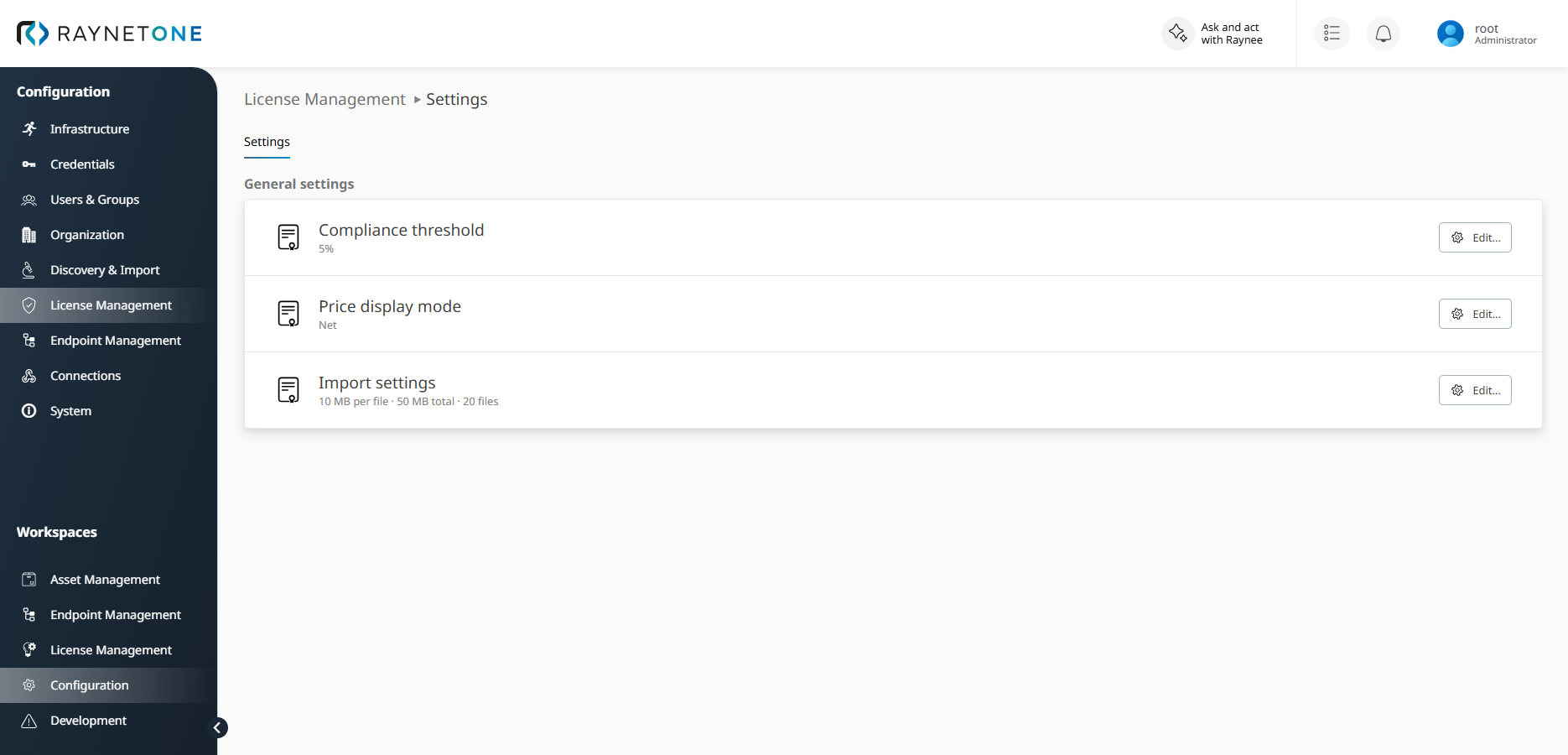
Configuration > License Management > Settings with Compliance threshold, Price display mode and Import settings.
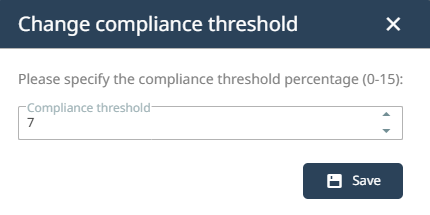
Compliance threshold defines how large a license surplus may be, as a percentage of the entitled quantity, for a product to still be reported as Compliant. A larger surplus is reported as Over-licensed, and any shortfall is Under-licensed. The value can be set between 0 and 15 percent; the default is 5 percent. A lower threshold makes the compliance evaluation stricter. For details, see License compliance calculation. To change the value, click Edit next to Compliance threshold, enter the required percentage, and save the change.
Price display mode defines whether license-related prices and values are displayed as net or gross amounts. Select Net to display amounts without tax. Select Gross to display amounts including tax. To change the mode, click Edit next to Price display mode, select Net or Gross, and save the change.
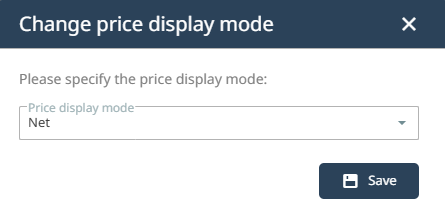
After saving, the selected price display mode determines how applicable price and value fields are displayed.
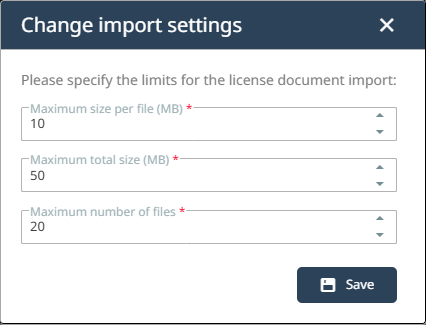
Import settings define the limits for uploading license documents (purchases and agreements) in the License Management import: the maximum size per file (1 to 50 MB, default 10 MB), the maximum total size of an upload (1 to 500 MB, default 50 MB), and the maximum number of files (1 to 100, default 20). The maximum total size must not be smaller than the maximum size per file. To change the limits, click Edit next to Import settings, enter the required values, and save the change. The limits apply to the upload described in Import from files.