The Related devices view shows the devices associated with the selected compliance record. It provides a device-level view of demand data and supports demand maintenance for the current product.
To open this view, go to Compliance, open the required compliance record, and select the Related devices tab.
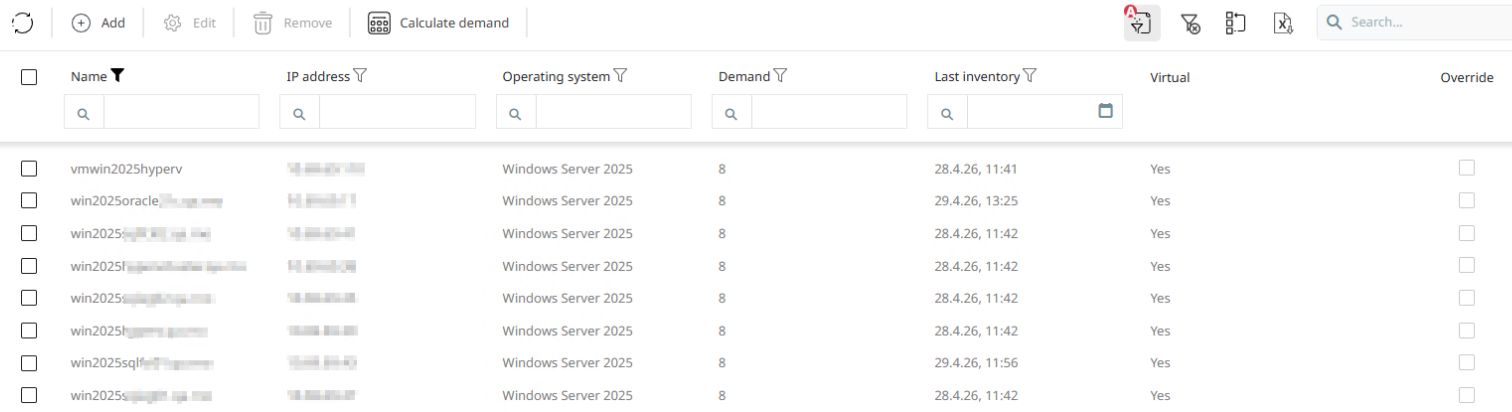
The list displays the related devices in a structured table. Depending on the available data, the table can include columns such as Name, IP address, Operating system, Demand, Last inventory, Virtual, and Override.
Use Add to create a new demand entry for a device. In the Add demand dialog, select the target device, enter the required quantity, and save the entry.
|
Note: |

What you see
You see a list of related devices for the selected compliance record, including the current demand values per device. From this view, you can add new demand entries, review existing device-level demand, and trigger Calculate demand to update the demand calculation.