In the Organization units view, you can explore and define organization units (OUs) as part of your professional IT environment. Each part of an organization should have their own IT resources. By mirroring an actual organization's structure into organization units you can easily request inventory jobs for specific parts. Synchronize the list of organization units with changes in your real organization to better manage your IT landscape.
The organization units are managed in a tree hierarchy. Each can have at most one parent but multiple children. There can be no circular relationships.
In this view, you can perform the following actions:
•add new organization units,
•remove redundant organization units,
•assign icons to organization units,
•explore your current environment,
•edit organization unit descriptions,
•determine the parent organization unit, and
•inspect, add and remove assigned devices.
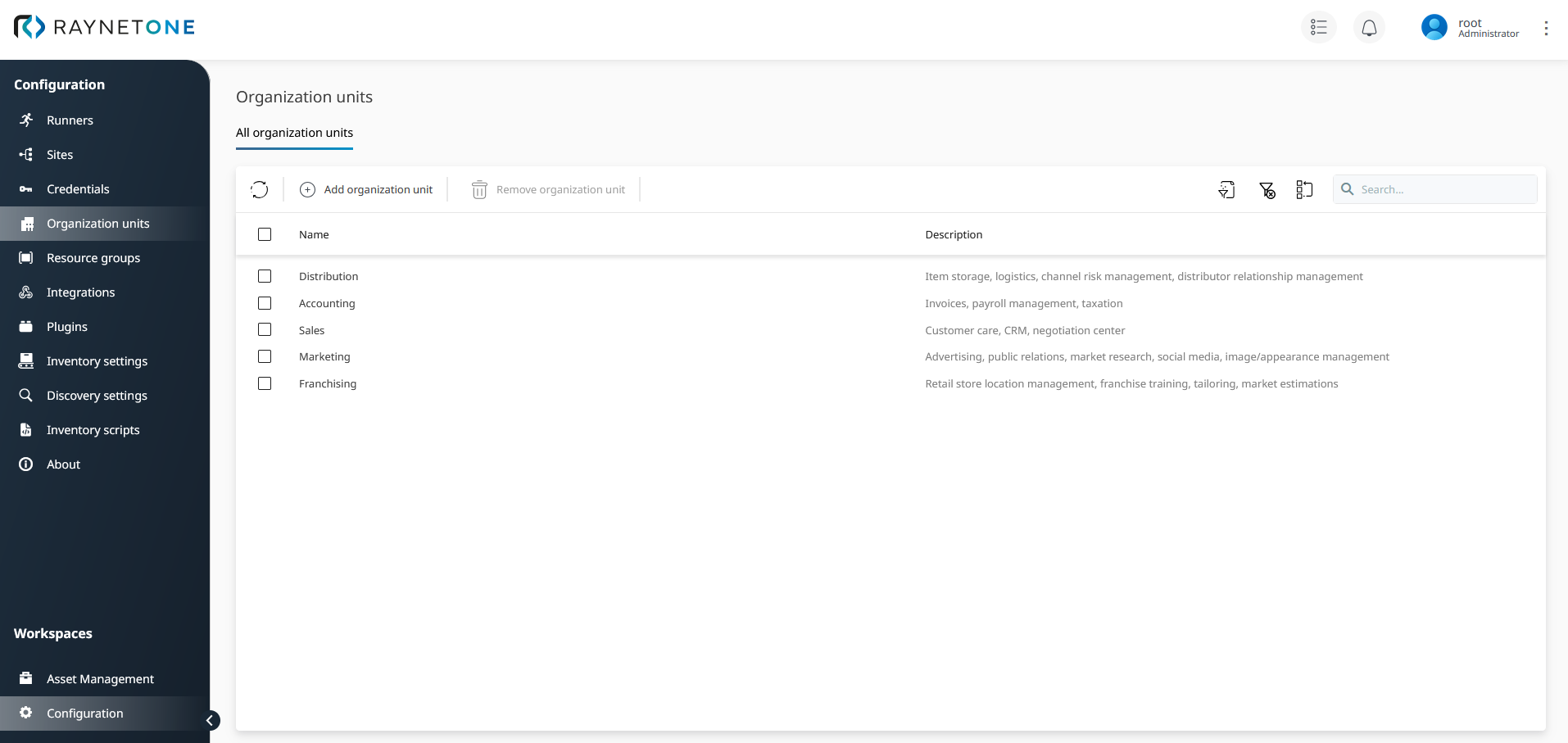
Organization Units view displays available organization units at a glance. It is recommended to keep this list up-to-date. In the above picture you can see sample business facilities registered, along with their description. Use self-explanatory names and insightful descriptions to help IT management recognize the gravity and importance of the organization's parts.
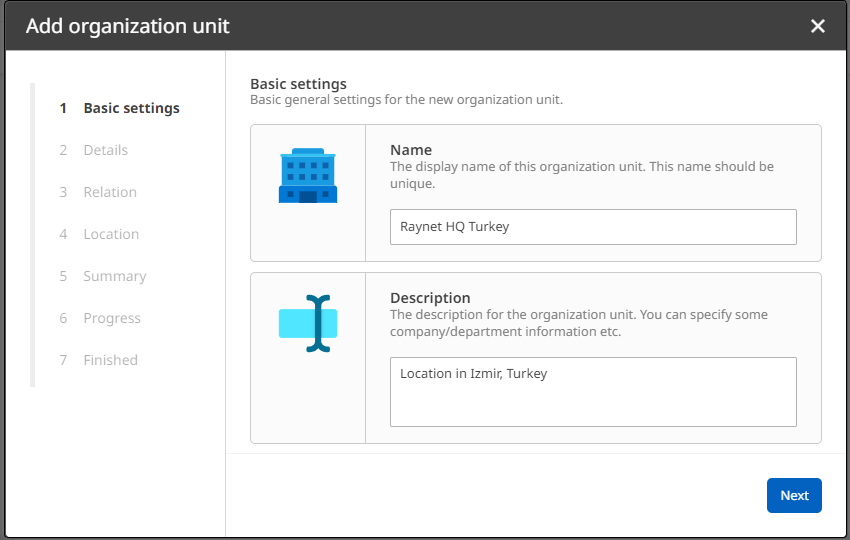
The Add Organization Unit wizard helps you to create a new organization unit for structuring your managed environment.
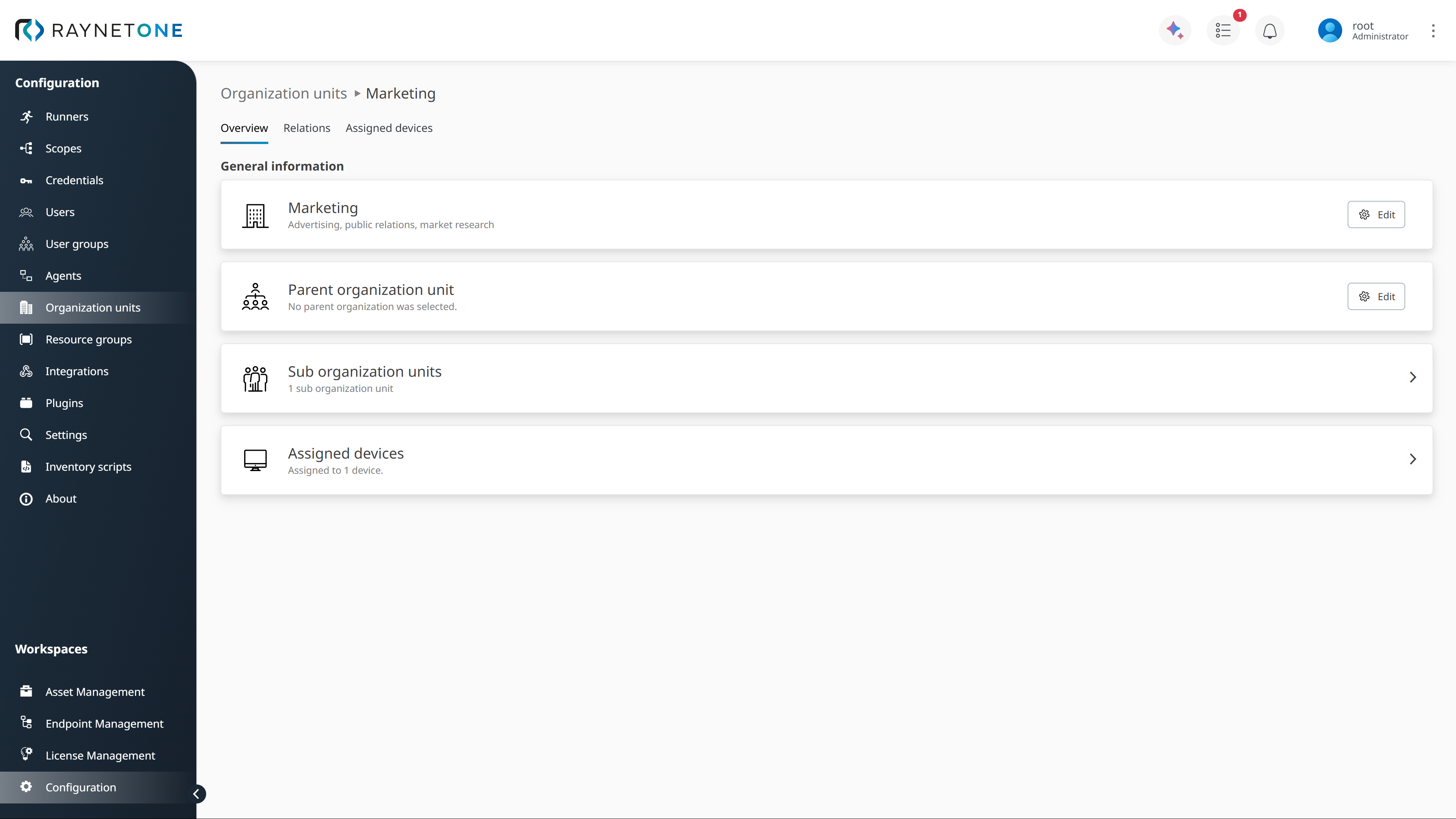
Overview of an individual organization unit. It displays the description, hierarchical and general resource assignment information of the selected organization unit. Used to verify the correct hierarchy relationships.
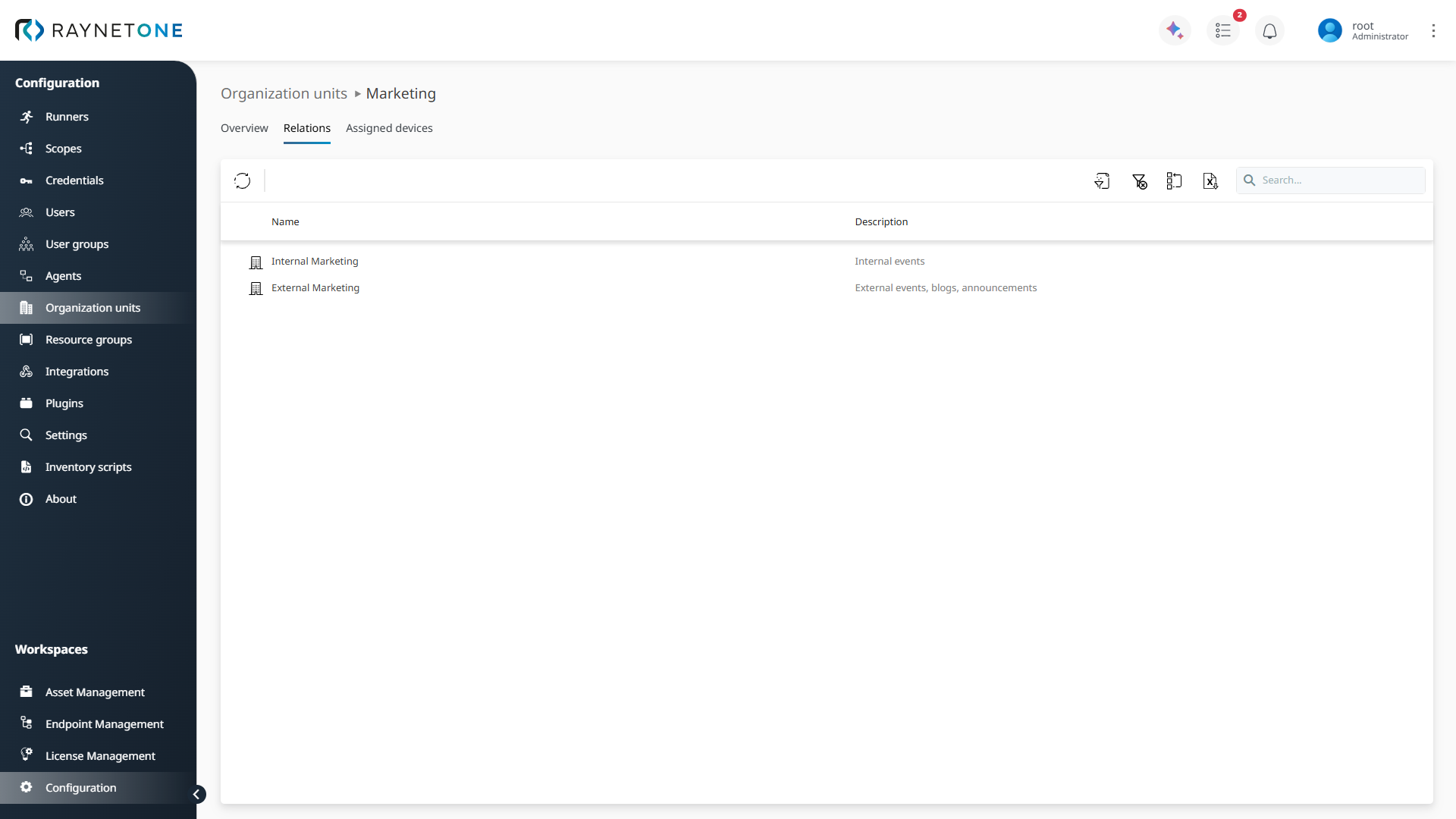
Relations list of an organization unit. Includes all child organization units of the selected parent organization unit. The tab leading to this page is only shown for parent organization units. It is hidden for all organization units having no hierarchical children. Use this view to manage the hierarchy relationships from the parent's perspective.
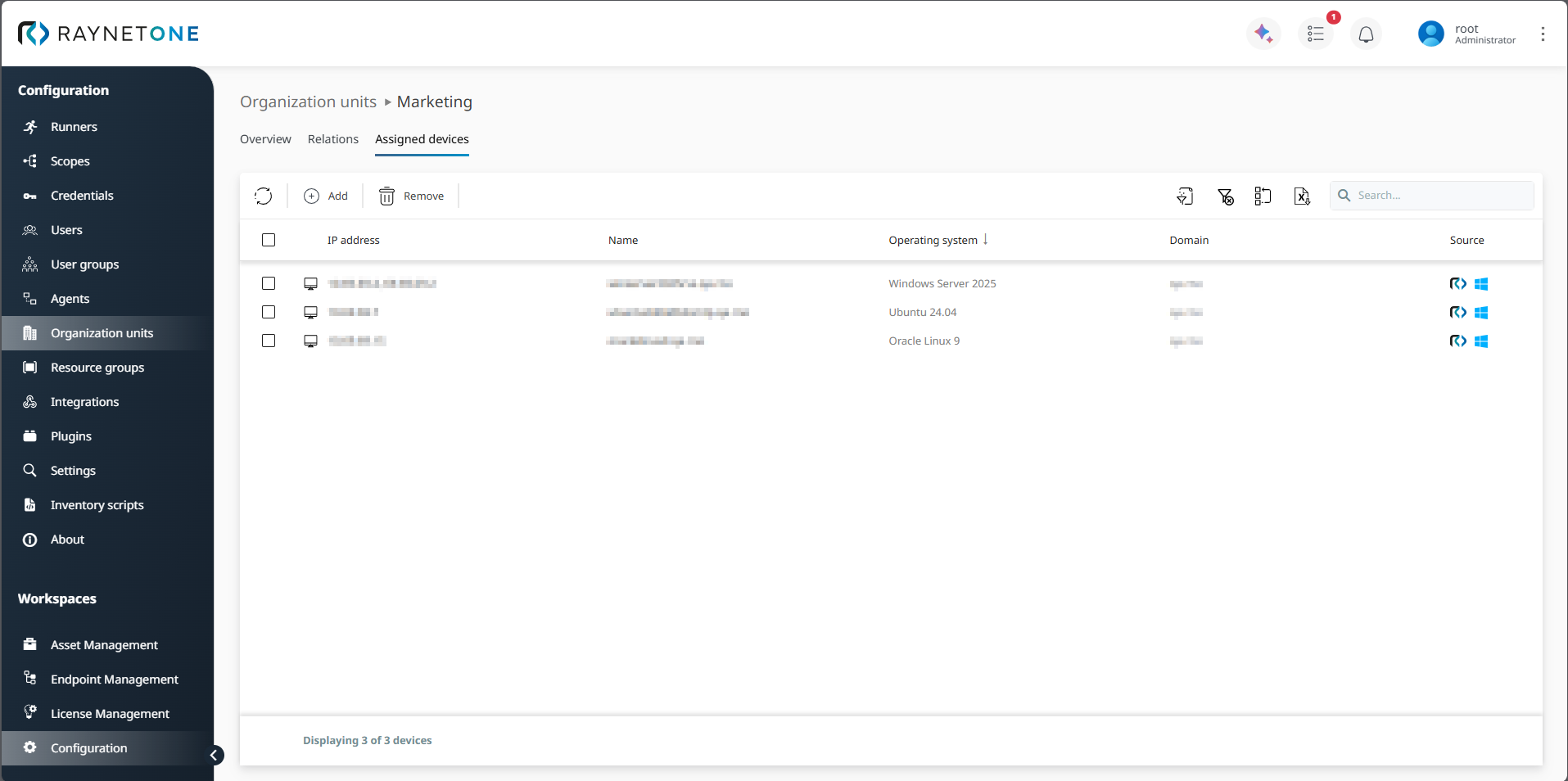
Assigned devices list of an organization unit. Each organization unit can be assigned a fixed set of devices, based on previously discovered or manually imported ones. Consider the organization unit as firmly maintained list of network devices or networks themselves. Multiple devices can be assigned to an organization unit, but each device can only belong to one organization unit.
|
Note: |
