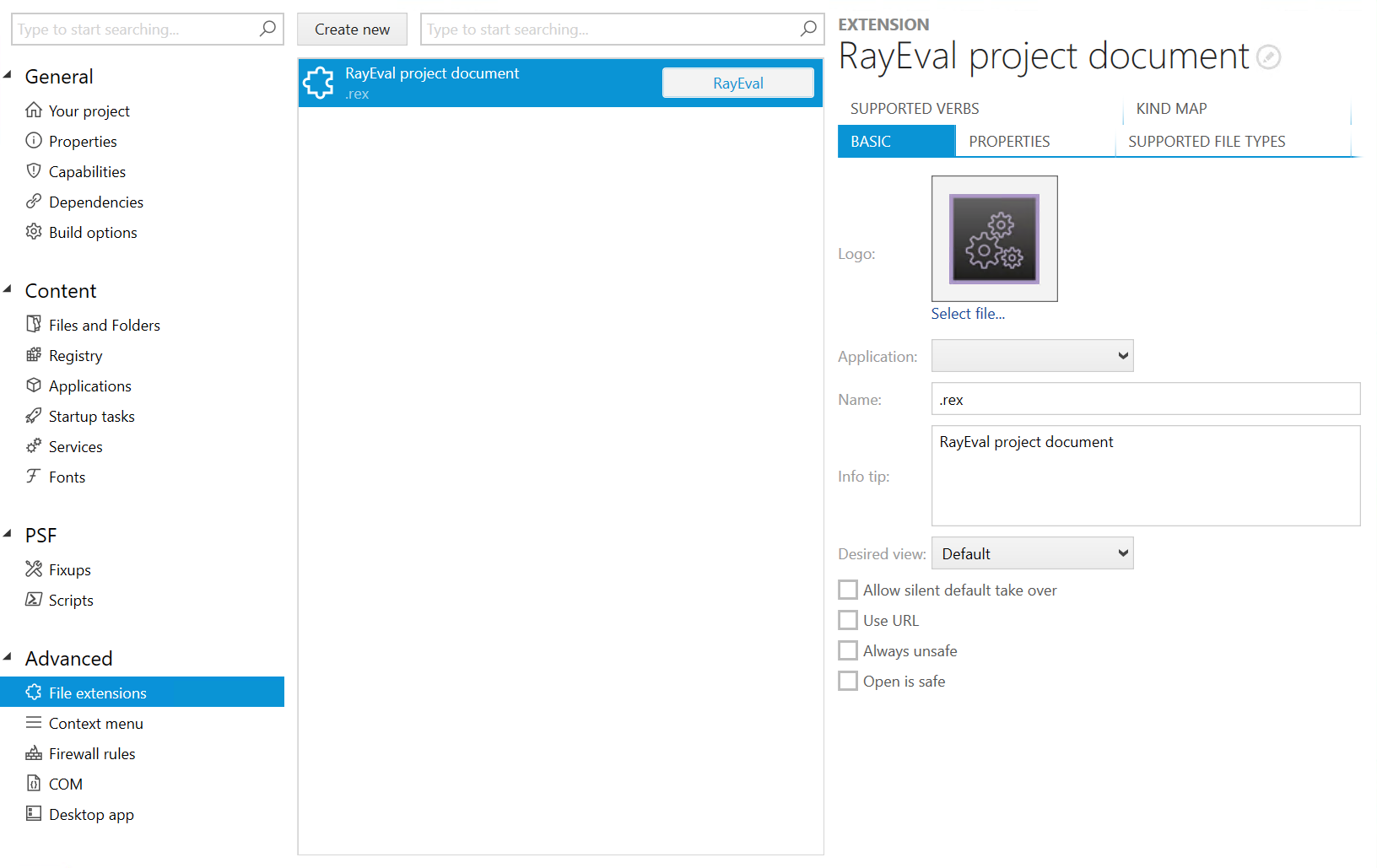
•Logo: Click on Select file... in order to add a logo to the file extension.
•Application: Select the application for the file extension from the dropdown menu.
•Name: The name of the file type association. It can be used to organize and group file types. The name must be all lower case characters with no spaces.
•Info tip: Th s field contains a string that provides additional info to the user about the file type.
•Desired view: Defines the desired amount of screen space to use when the appointment launches. The following options are available:
oDefault
oUse less
oUse half
oUse more
oUse minimum
•Allow silent default take over: If activated, the app will appear in an Open with list, but it will not be the default app for the file type.
•Use URL: If activated, the file will be opened with the URL path directly.
•Always unsafe: If activated, a dialog box with a security warning is displayed.
•Open is safe: If activated, a dialog box with a standard warning is displayed.