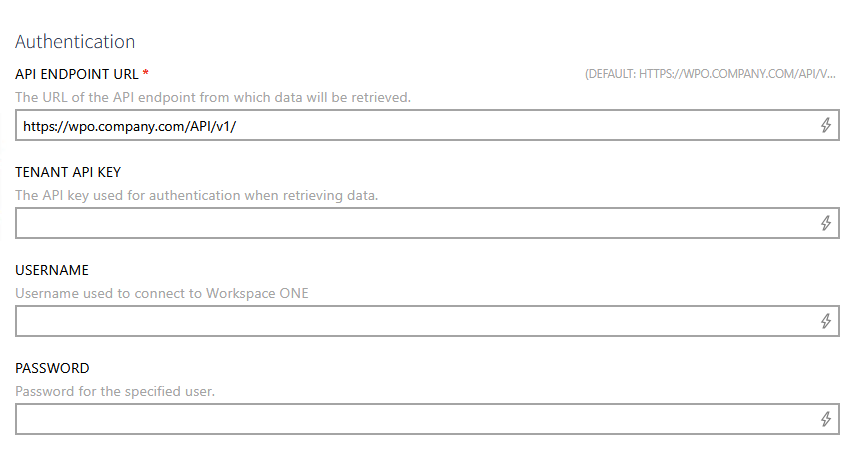
•In the Configuration tab, enter the Tenant API Key into the TENANT API KEY field. The Tenant API Key can be obtained from the Workspace ONE UEM console under Groups & Settings > All Settings > System > Advanced > API > REST API. |
|
|
•In the Configuration tab, enter the API endpoint URL of the Workspace ONE UEM server into the API ENDPOINT URL field (for example, https://wpo.company.com/API/v1/). •Enter the username used for BASIC authentication into the USERNAME field. •Enter the password for the specified user into the PASSWORD field. |