The Networks view displays a list of all networks available in your environment. Networks define the IP ranges and describe how they relate to your IT landscape. Detected networks do not have to be directly connected to the runner, in which case device inventory in said networks is restricted.
In this view, you can perform the following actions:
•adding new networks,
•removing outdated or redundant networks,
•exploring selected networks in the Details view,
•changing the display name of a selected network in the Details view, and
•managing devices directly from the Devices (IPv4) section of the network Details view.
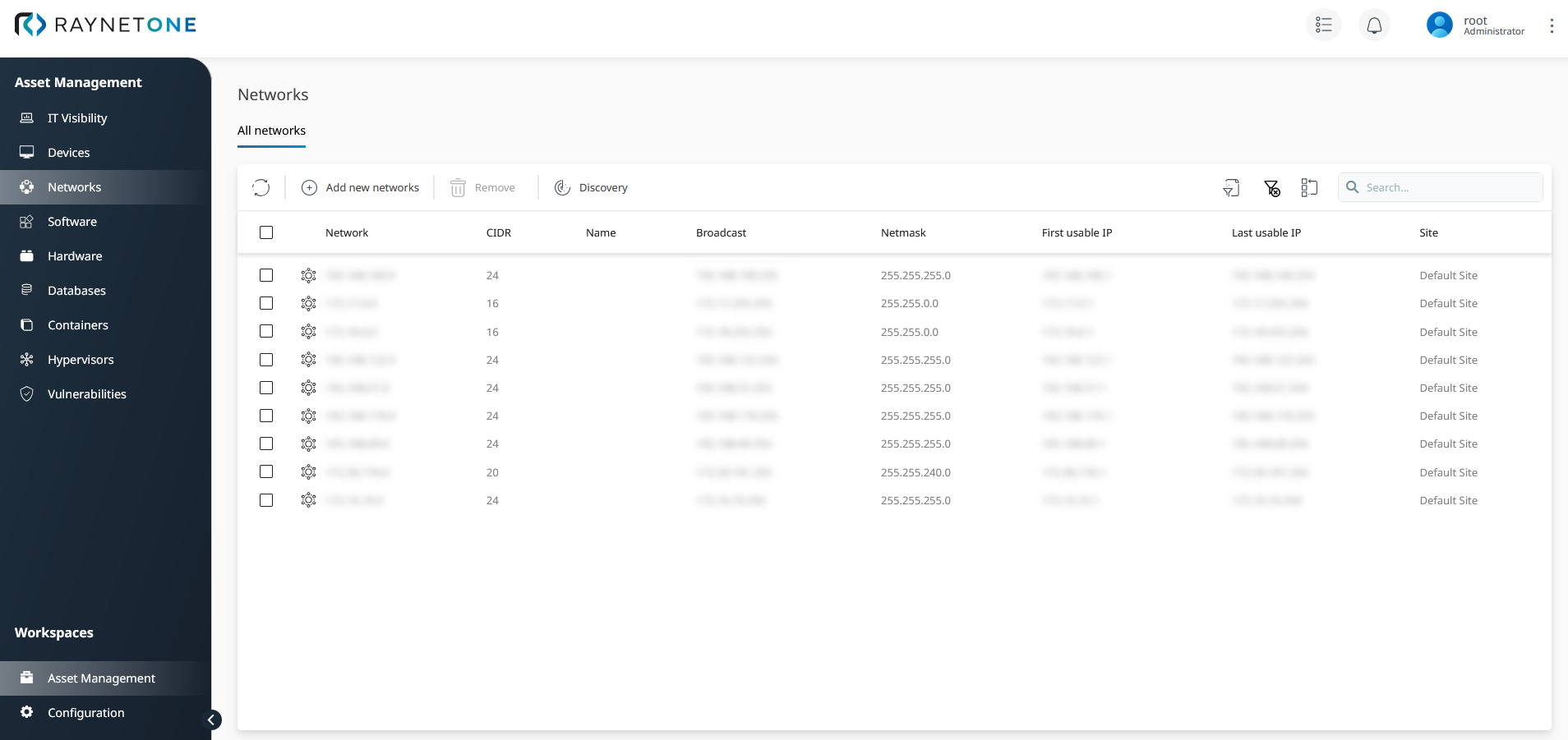
Overview of all available networks in your managed environment. You can add columns about detected DHCP servers or default IP gateways using the column chooser.
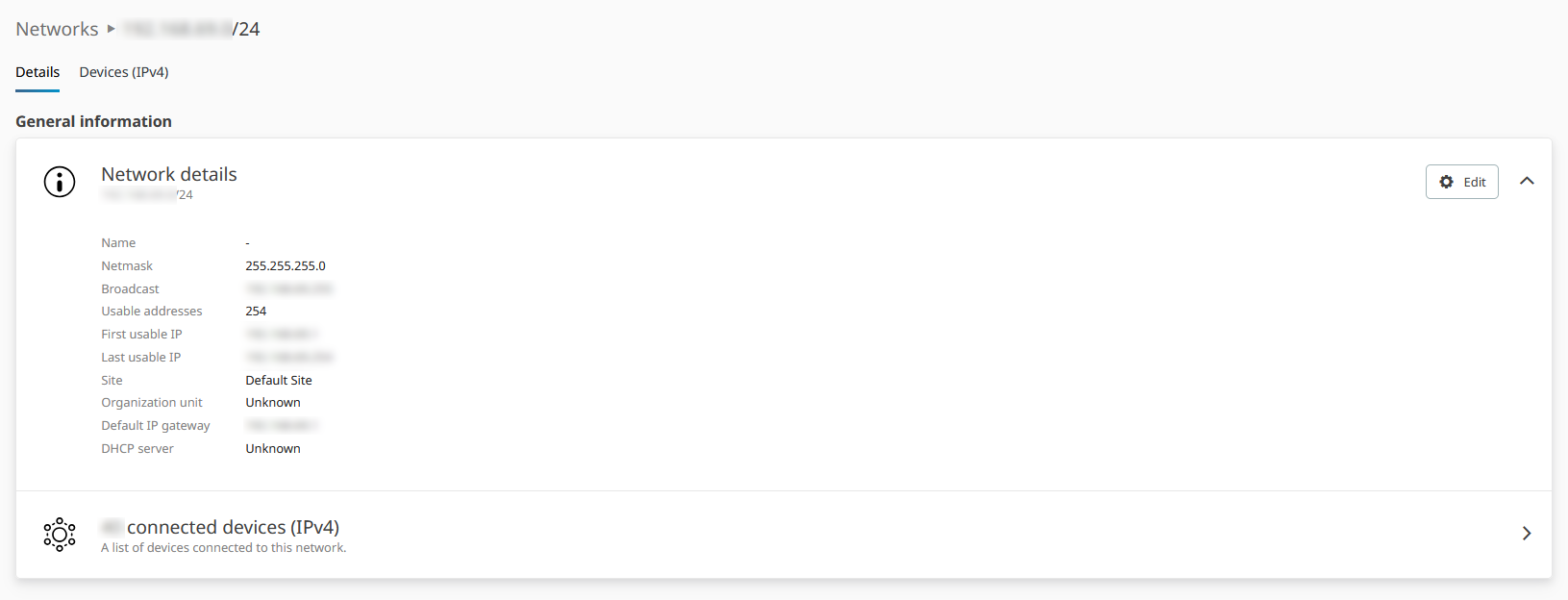
Details view of a selected network. All relevant information about the selected network is listed here.
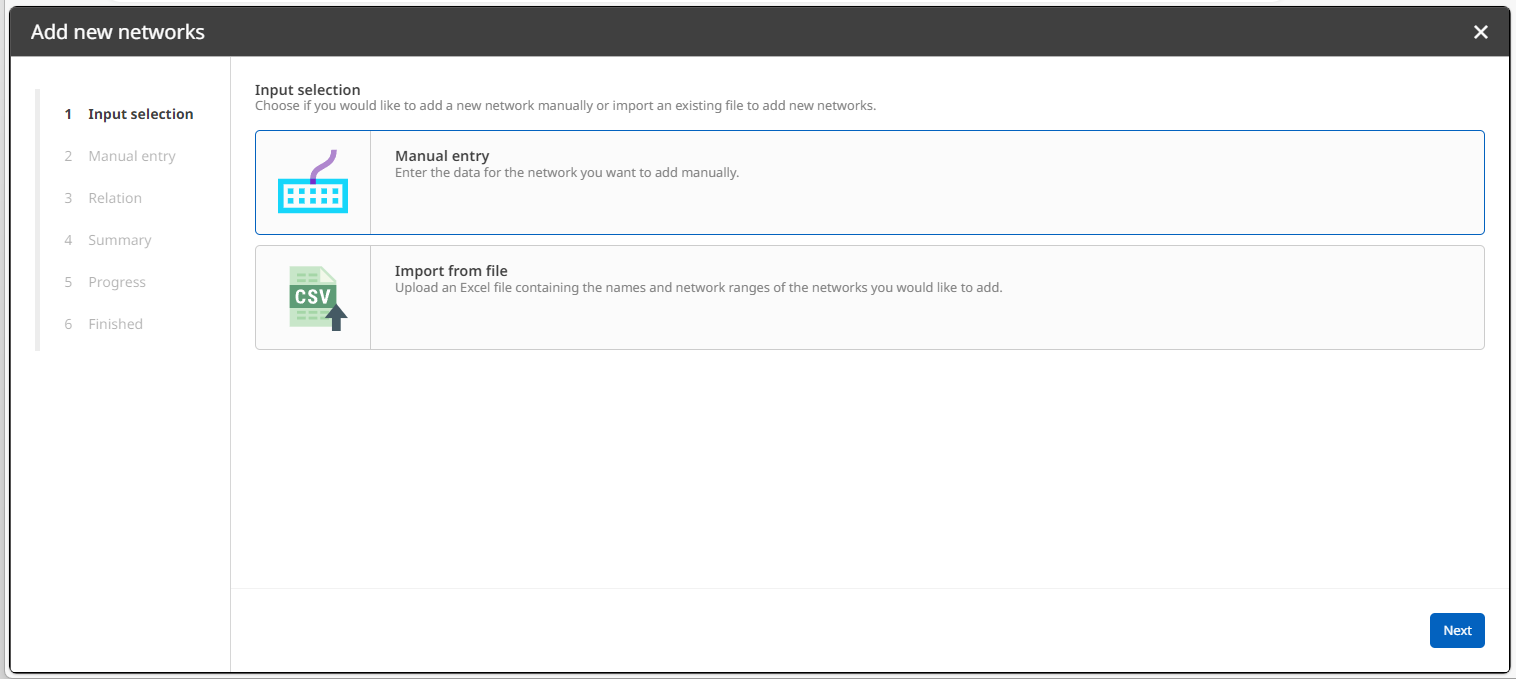
The wizard opened after you clicked on the Add new networks button. Use it to provide all necessary details for IP network operation. Network discovery operations will amend details such as the detected DHCP servers automatically.
Managing devices from the network Details view
When you open a network's Details view, the Devices (IPv4) section provides the same device management toolbelt that is available in the main Devices view. This means you can perform the following actions directly from the network context, without having to navigate away:
•Edit device properties for devices assigned to the selected network.
•Create new devices associated with the selected network.
•Use the same filtering and column options to refine the devices list.
This integration reduces the number of navigation steps required when auditing or maintaining devices that belong to a specific network segment.