There are several ways to virtualize your managed environment. While various virtual machines are covered by the Hardware page, you can find all Hyper-V connections in the list of Hypervisors. The Hypervisors view displays the list of all Hyper-V services which are available in your managed IT environment. As usual, you can inspect Hyper-V specifications and their virtual machines in dedicated Details views.
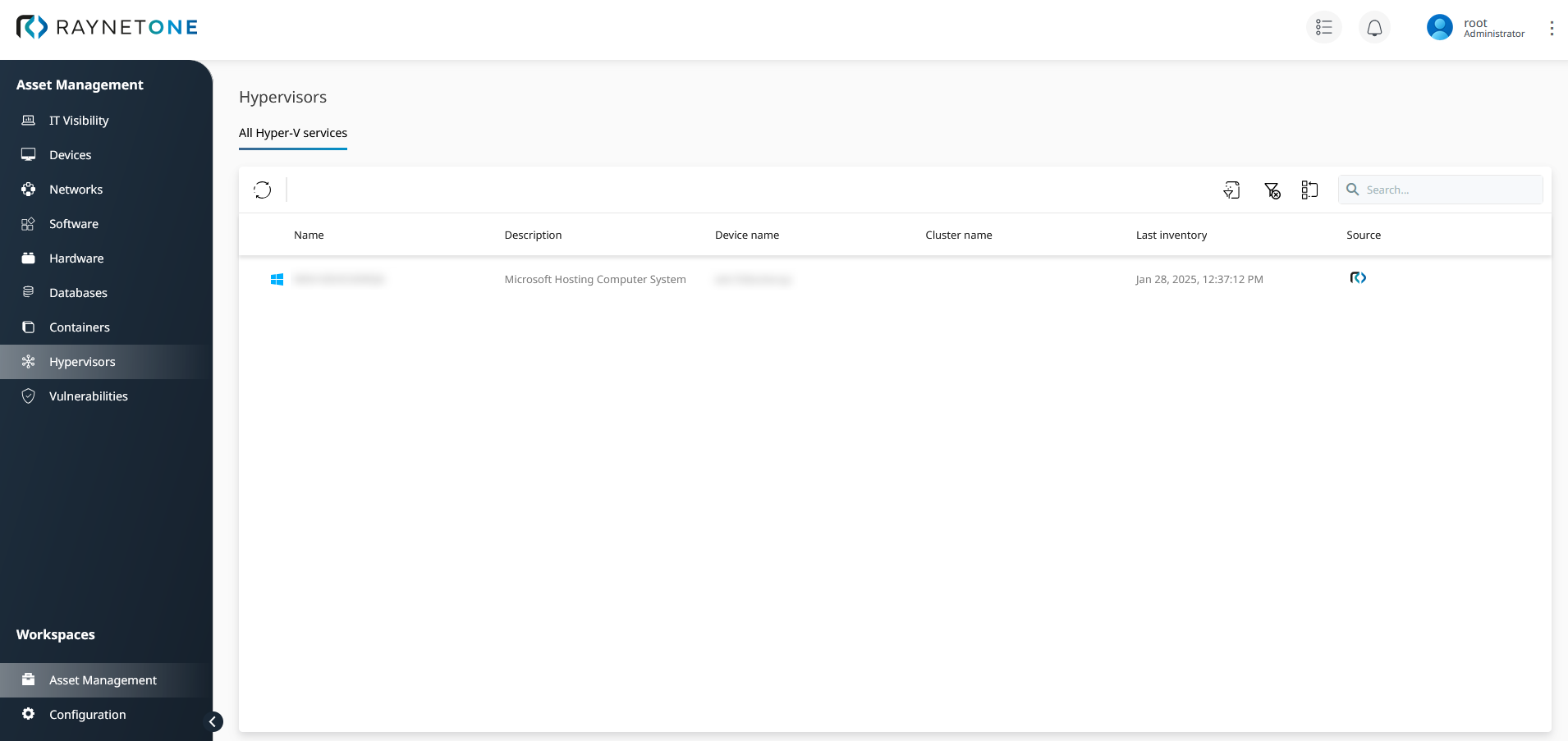
Hypervisors view with all Hyper-V connections at a glance.
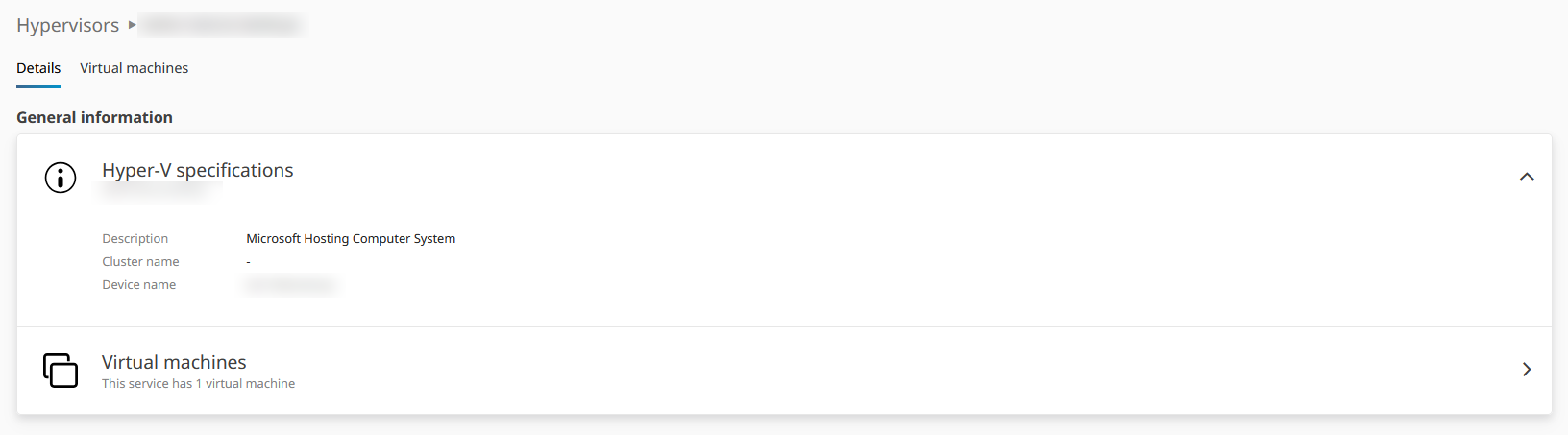
Details view of the selected hypervisor under the All Hyper-V Services tab.
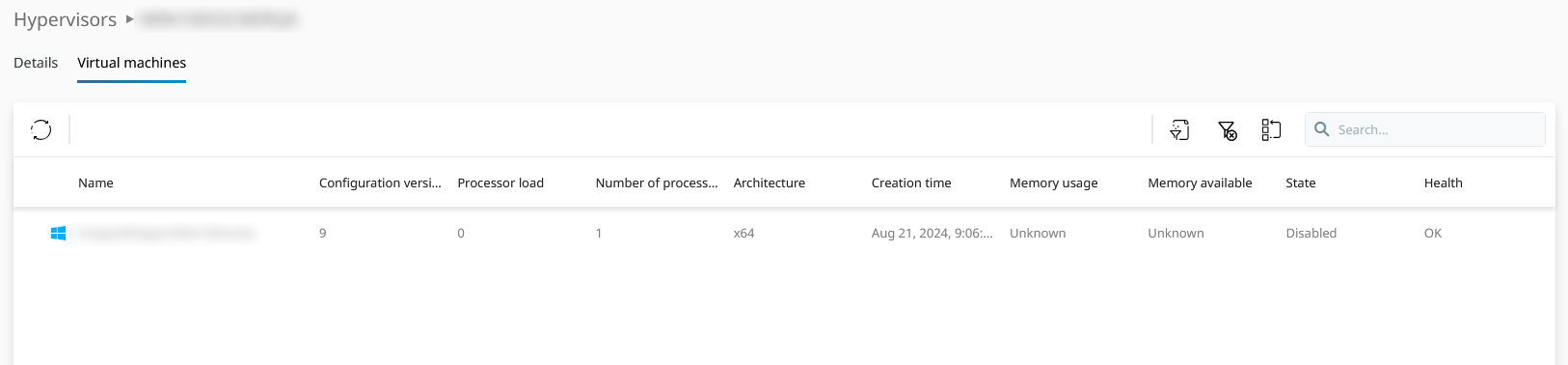
Virtual Machine devices list of the selected hypervisor in the Details view.
Scope and Device ID columns: The Scope and Device ID fields are available as optional columns in the Hypervisors data grid. You can add these columns via the column picker to filter and sort hypervisor entries by their associated scope or device. This makes it easier to narrow down results to a specific part of your managed environment.