Although Software inventory and Vulnerability detection play a major part in the functionality of Raynet One, hardware data is of value to the successful management of your IT landscape. The Hardware view displays a list of all physical and virtual devices in your environment. At this point, hardware includes all available CPUs, GPUs, hardware models and virtualization platforms. There are three main tabs: All CPUs, All GPUs and All Hardware Models. Inspect all of the provided tabs to thoroughly inspect your hardware assets in Details views.
We plan to expand this hardware page by demand.
All CPUs
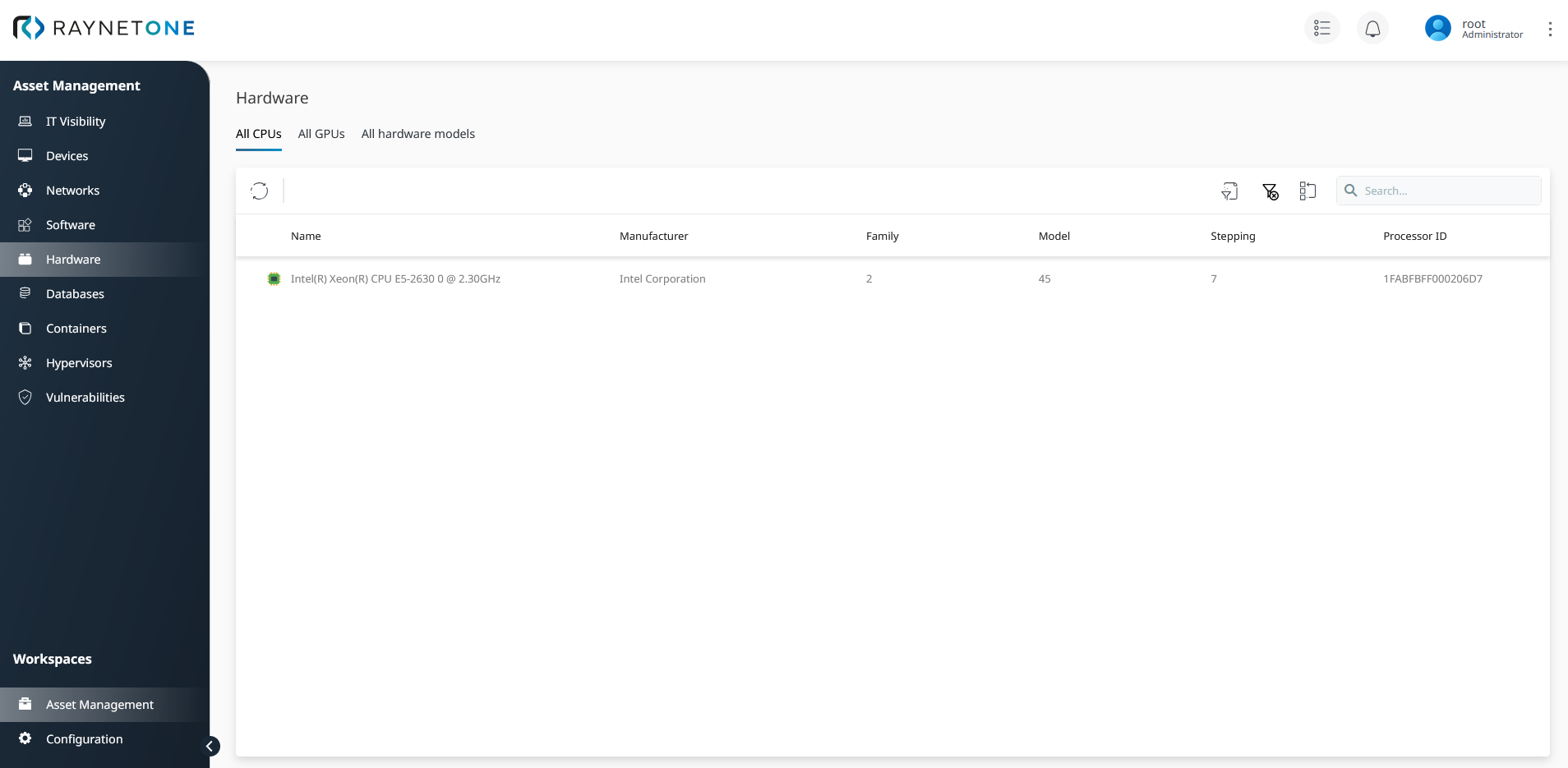
Overview of all available CPUs under the Hardware tab.
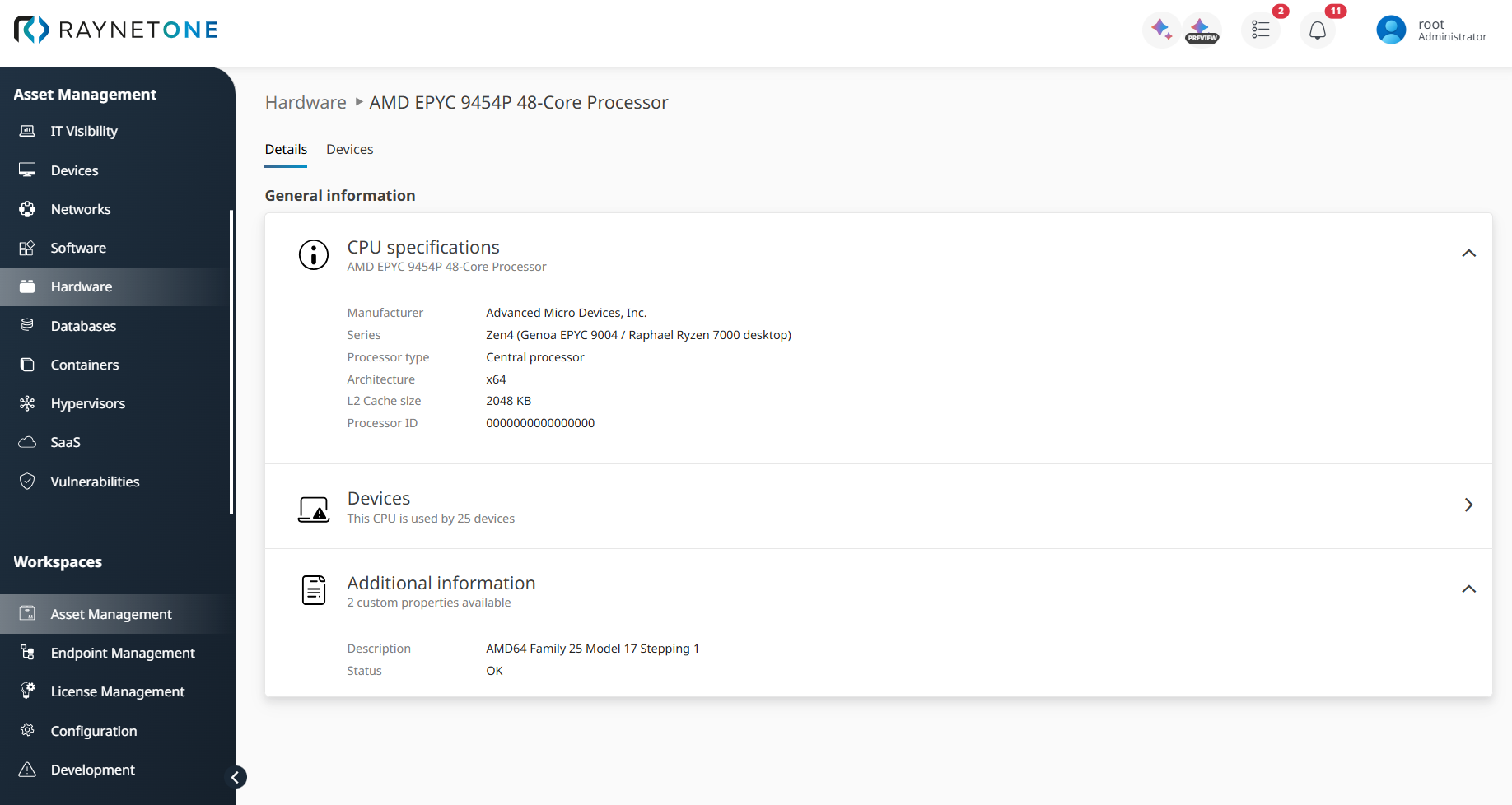
Details view of a CPU list item with normalized and enriched hardware data.
Technical fields in the CPU details, such as architecture and processor type, now display human-readable labels (for example, x64 or ARM) instead of raw numeric codes. This makes it easier to identify and interpret CPU characteristics at a glance.
All GPUs
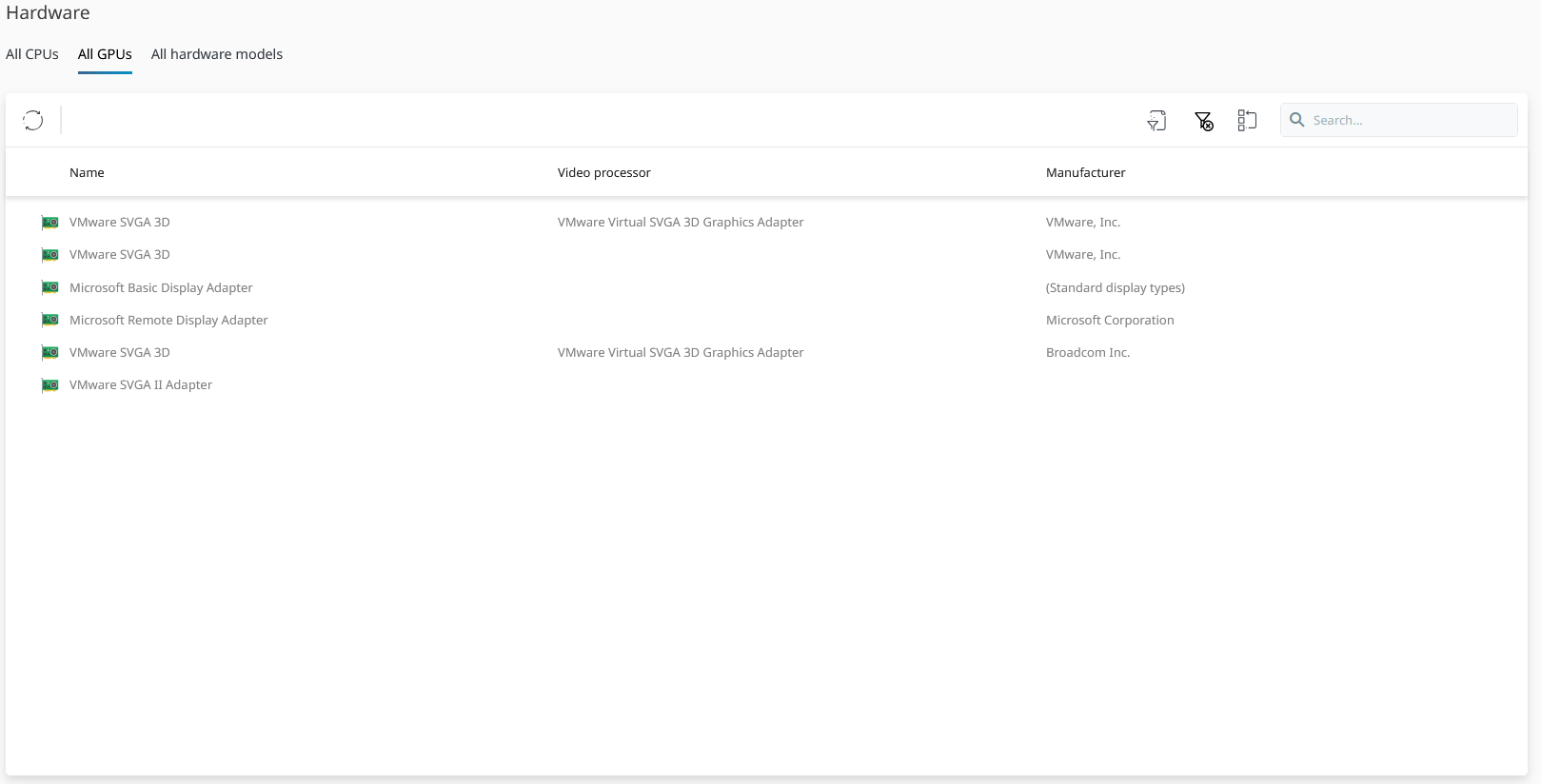
Overview of all available GPUs under the Hardware tab.
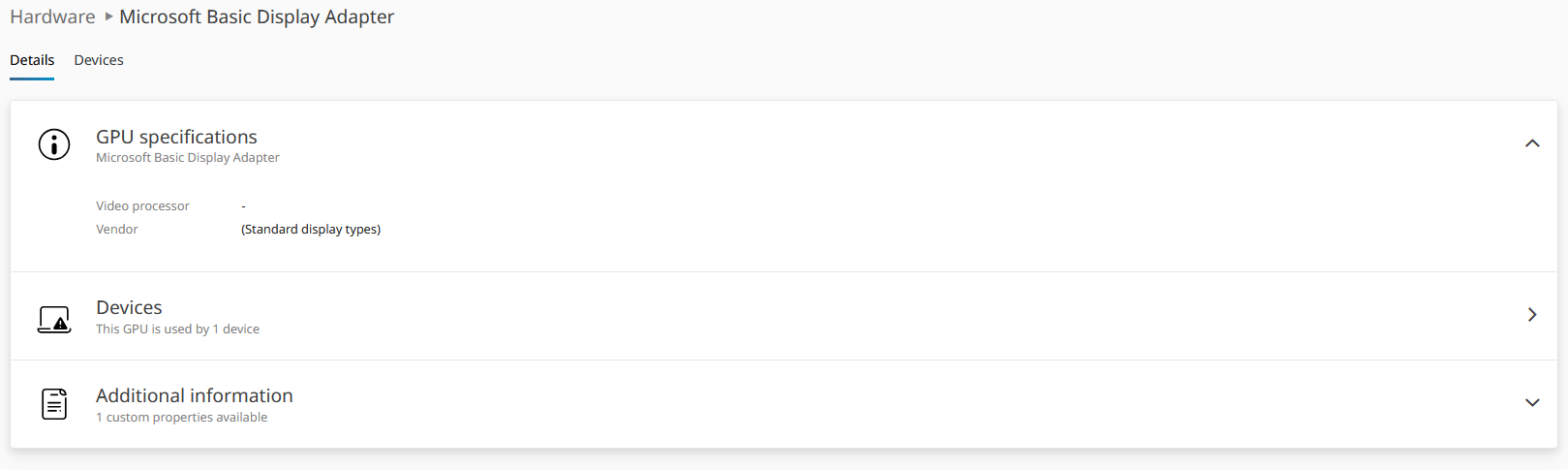
The Details view of a GPU with normalized and enriched hardware data.
All Hardware Models

Overview of all available hardware models under the Hardware tab.
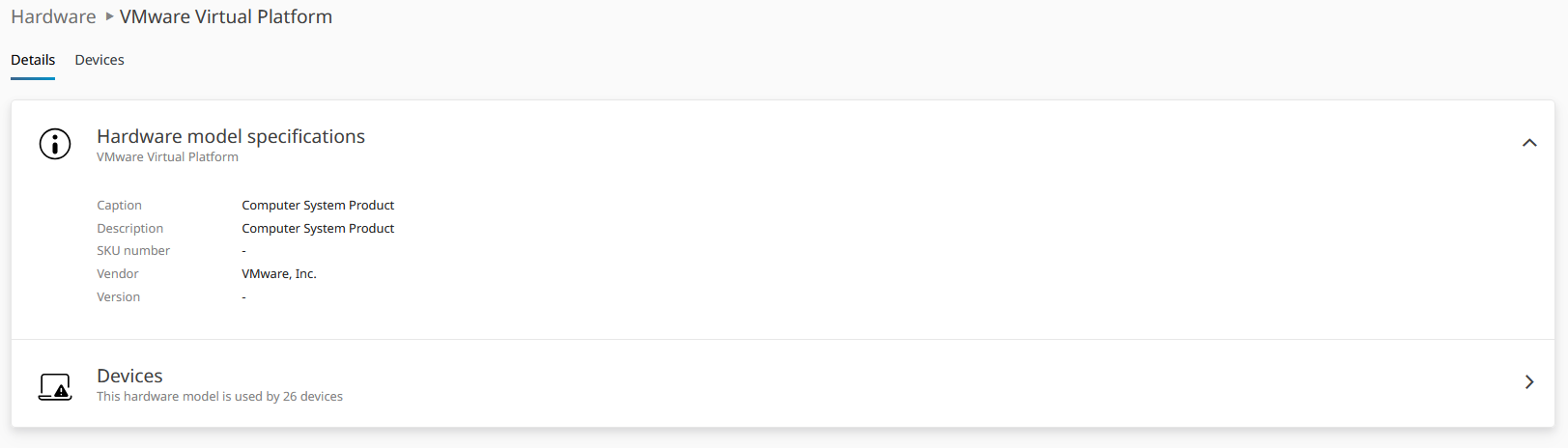
Details view of a hardware models list item with normalized and enriched hardware data.
Hardware Tab in Device Details
In the Hardware tab of the Device Details view, any hardware fields for which data is not available now display Unknown instead of remaining blank. This ensures a consistent and unambiguous presentation of hardware information across all devices.