Assign credentials to resource groups or scopes to control where they can be used during discovery and inventory. A resource group assignment makes the credentials available to resources within the selected resource group. Optional filters can further restrict the assignment to particular services or IP ranges.
The process for assigning credentials to a scope follows a similar workflow. The following example demonstrates how to assign the DEV01 credential to the IT PB resource group.
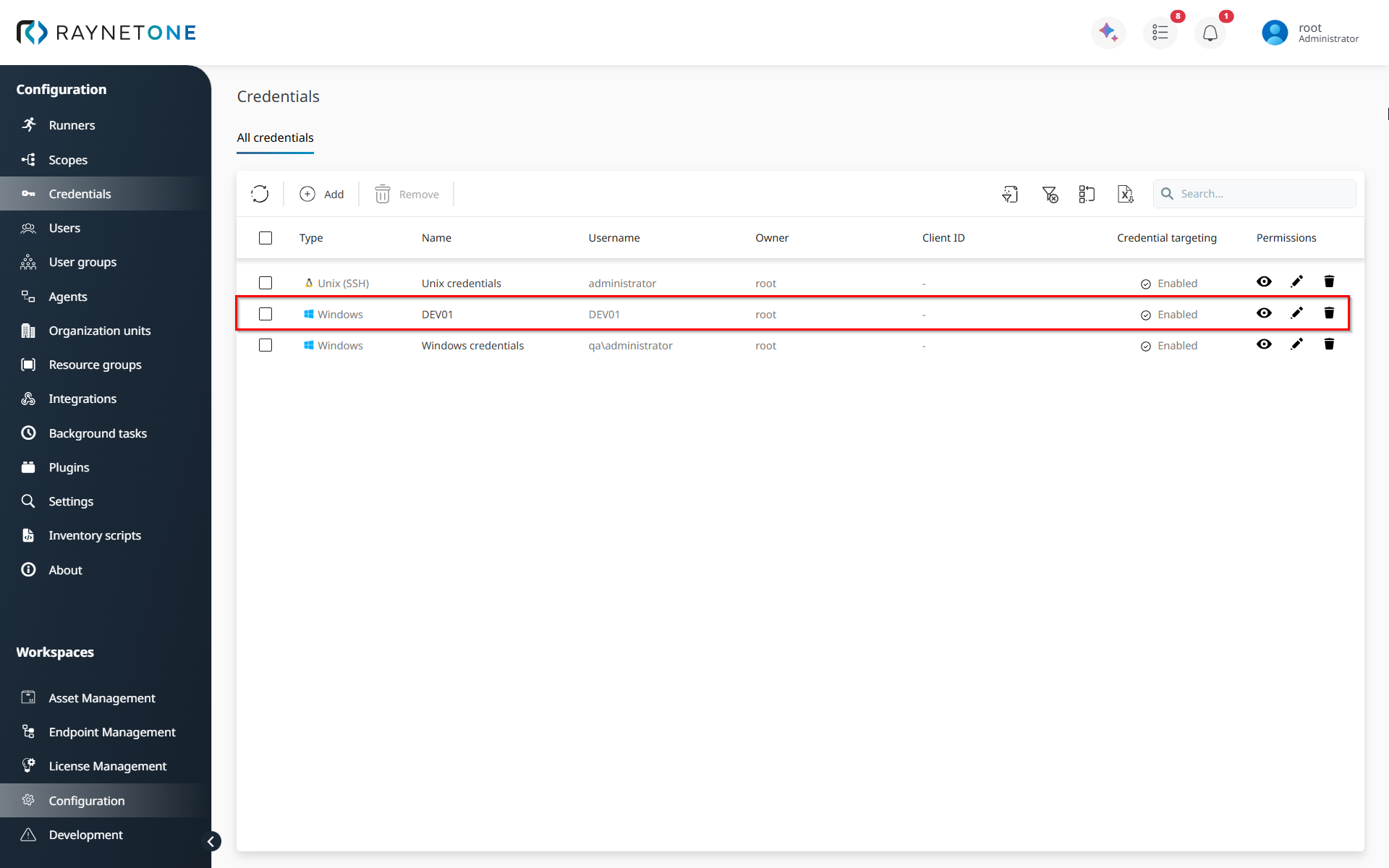
1.Open the Configuration workspace and select Credentials from the sidebar. In this page, click on the desired credential.
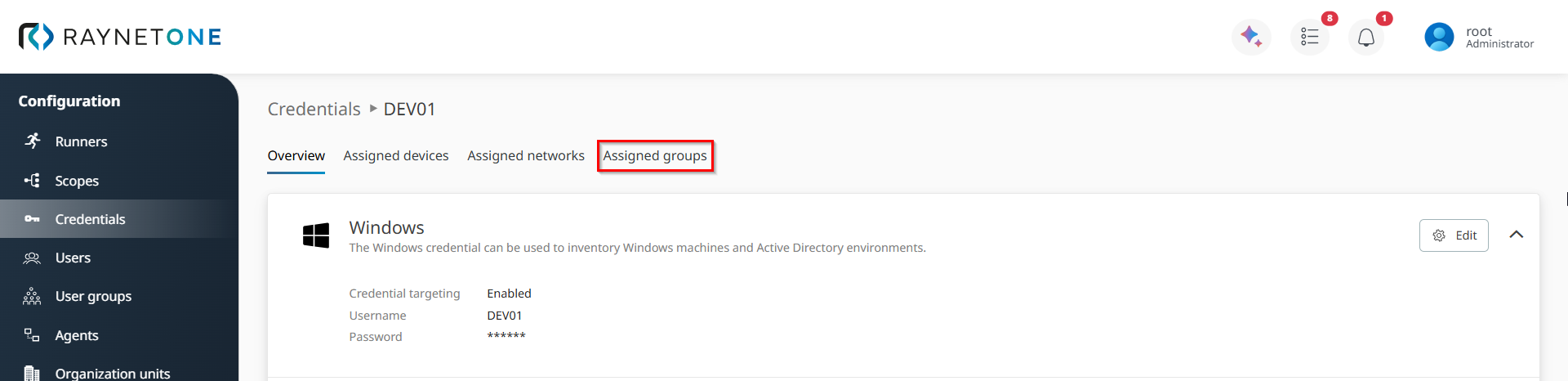
2.Select the Assigned groups tab.
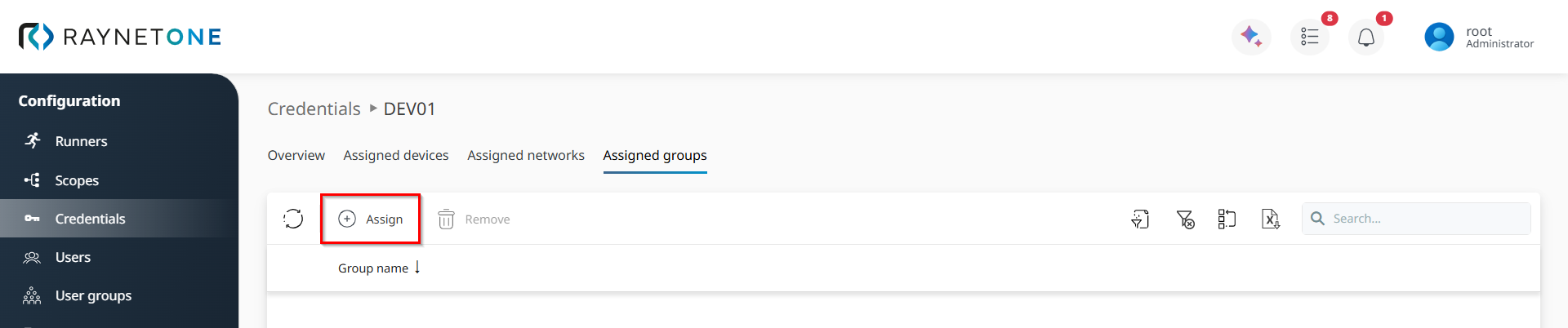
3.Under Assigned groups, click Assign. The Assign resource group wizard opens.
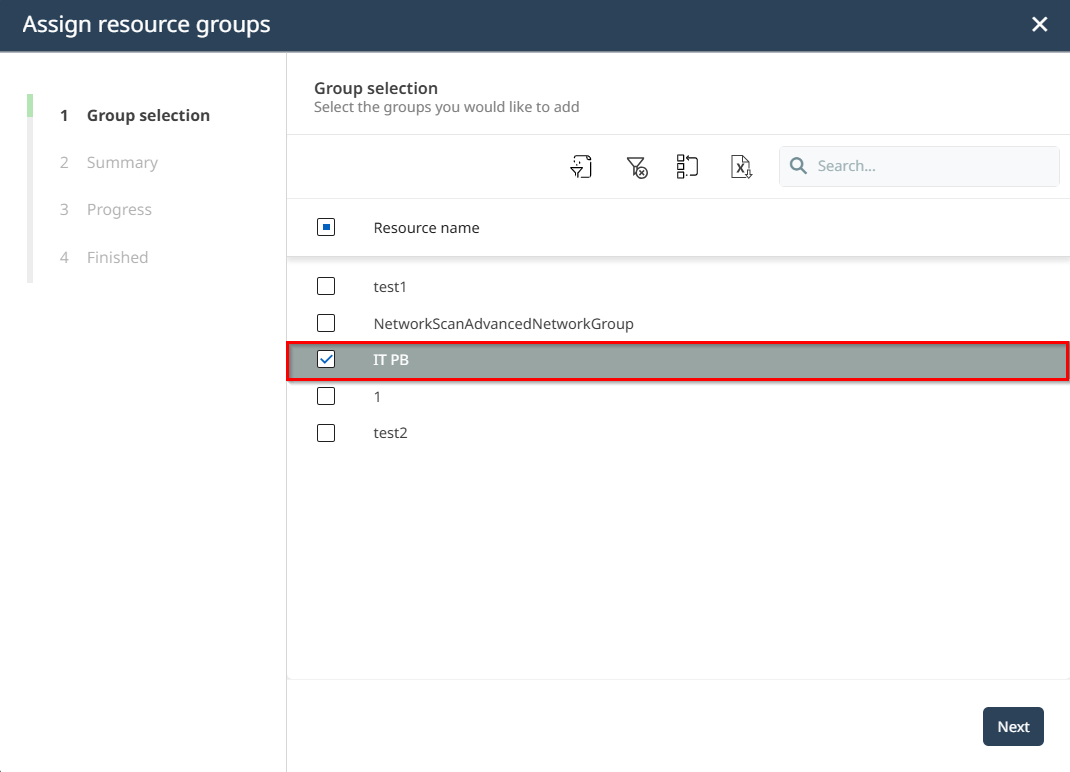
4.In the Group selection stage, select the IT PB resource group and click Next.
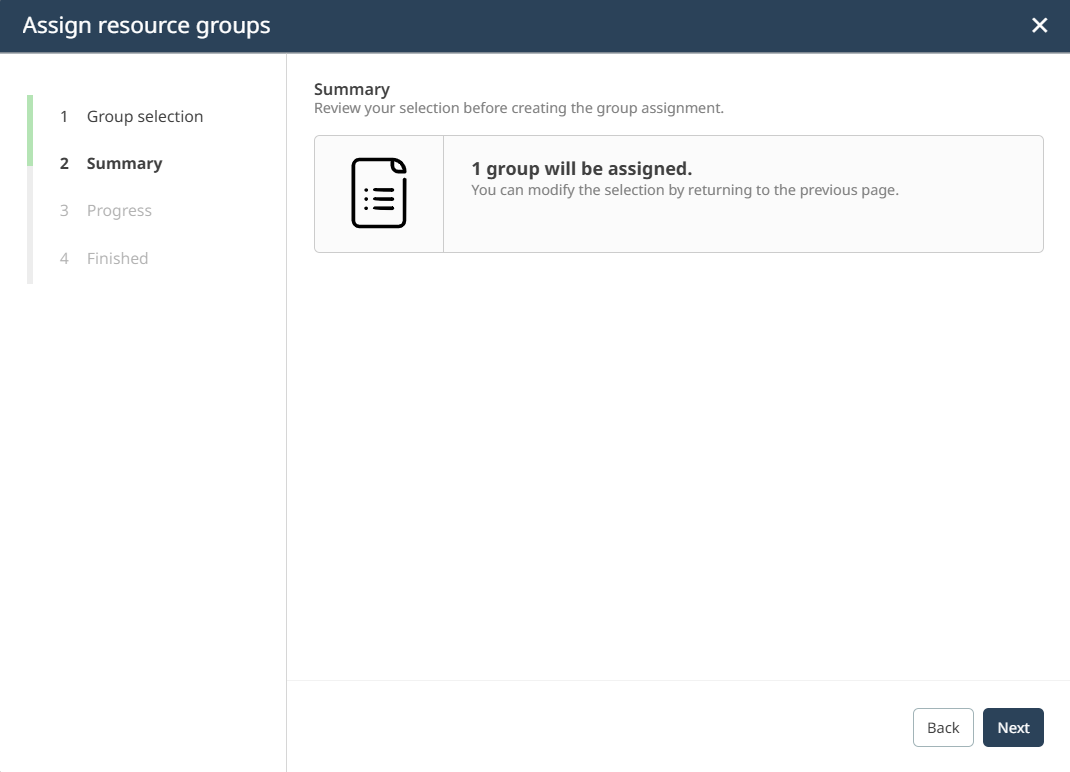
5.Review the assignment on the Summary page. The summary should indicate that one resource group will be assigned to the credential. Click Next to create the assignment.
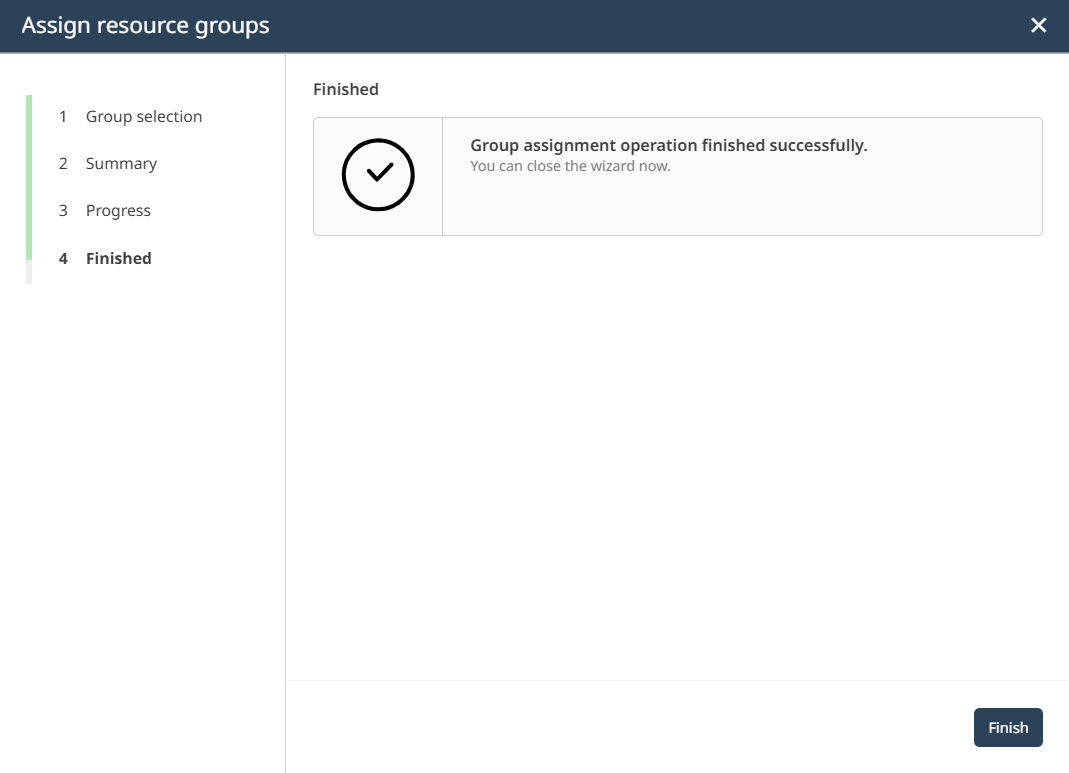
6.Click on Finish to close the wizard.
7.You are returned to the credential details view. The IT PB resource group should now be listed under Assigned groups.
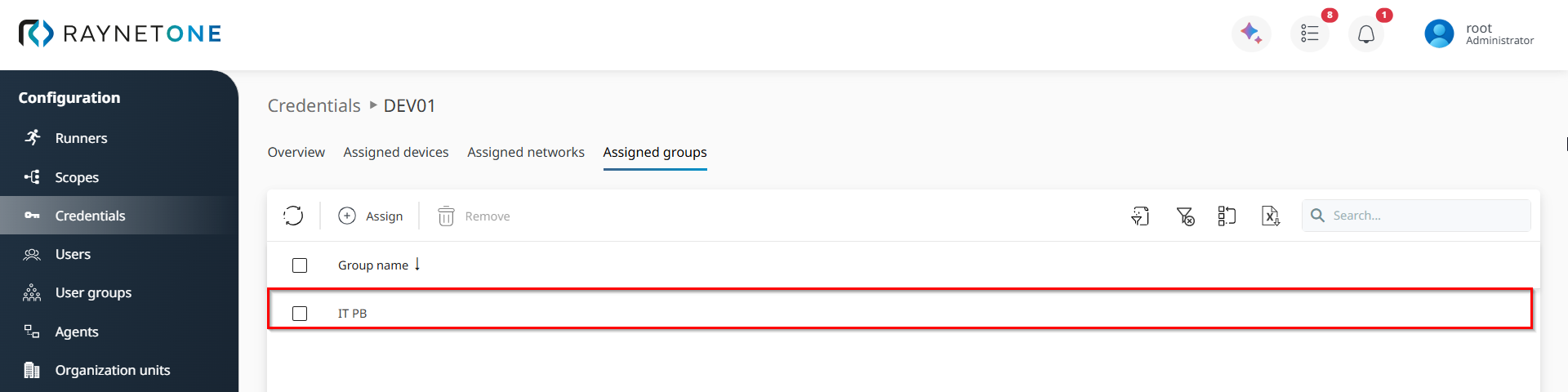
You have successfully assigned the DEV01 credential to the IT PB resource group. Repeat this process to create additional resource group assignments. Scope assignments follow the same general workflow in the corresponding assignment view.