In this chapter, you will assign credentials directly to a device. This is the most specific credential assignment because it targets an individual asset. During device inventory, Raynet One considers credentials assigned directly to the device.
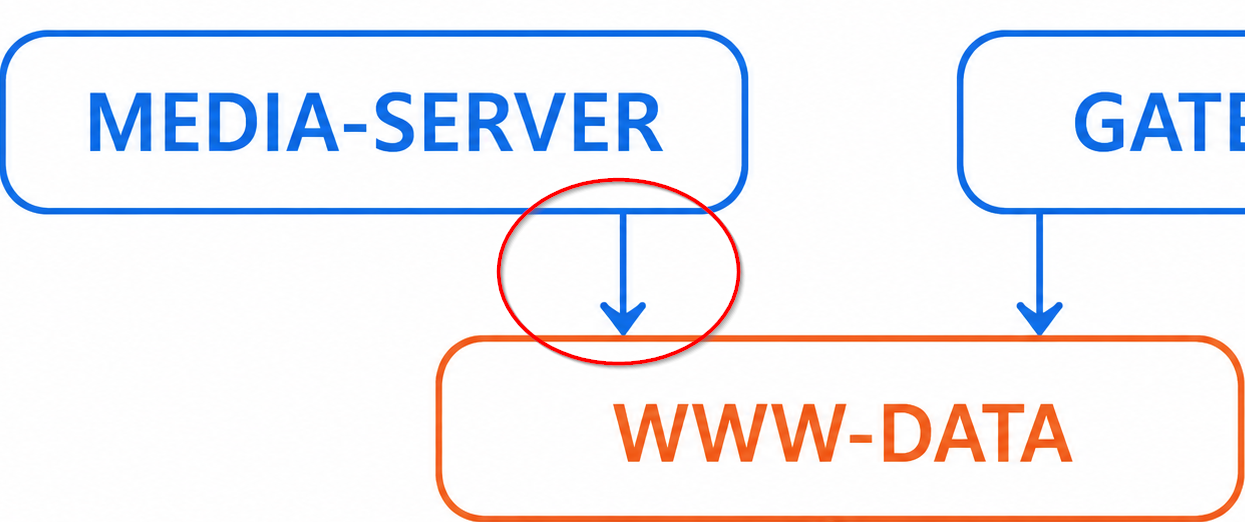
Excerpt of the device-credentials relationship graph of the provided scenario. We want to add the highlighted (red) relationship between the MEDIA-SERVER device and the www-data credentials to the platform.
1.Open the details view of the www-data credentials, see the previous chapter.
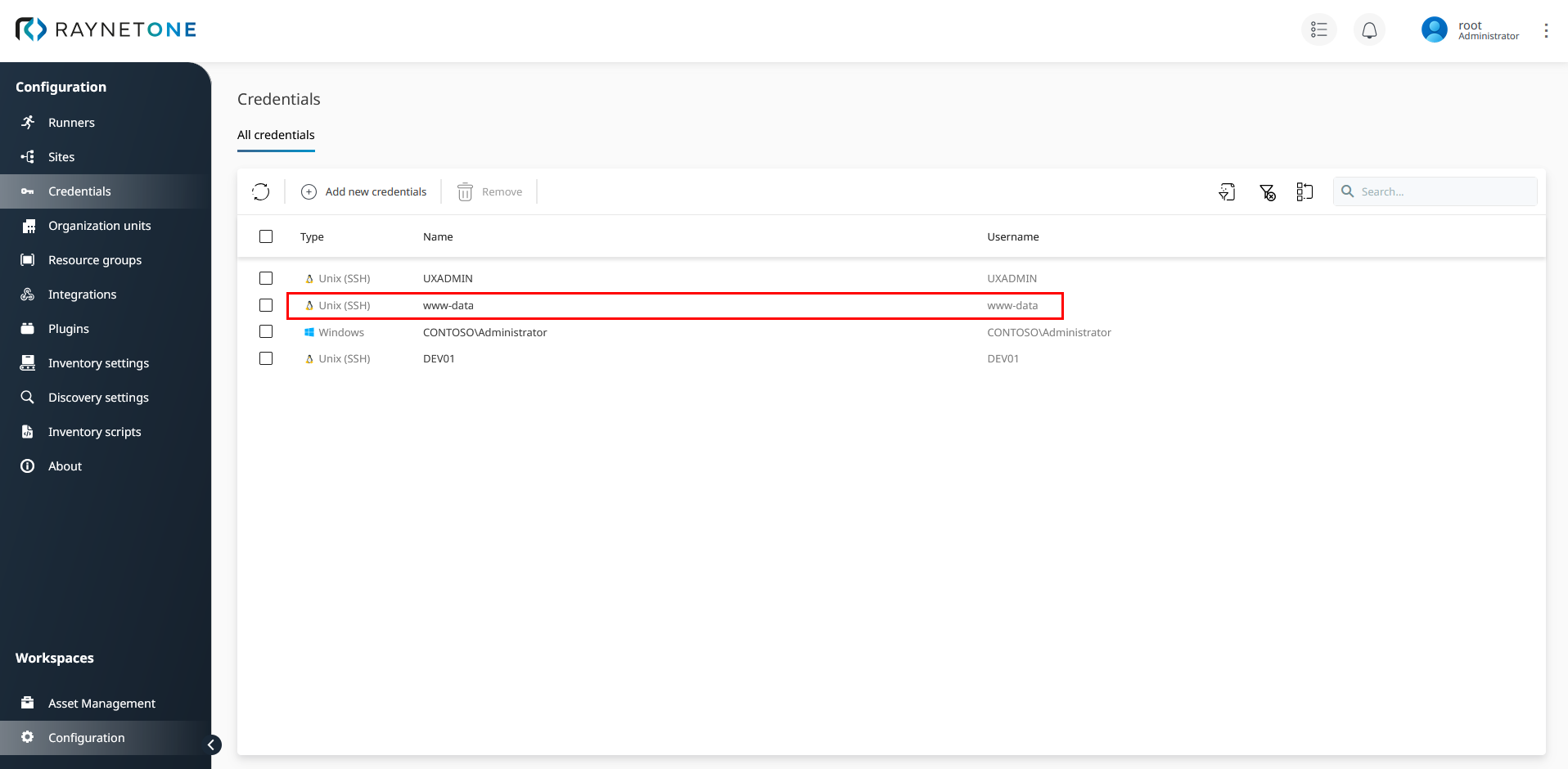
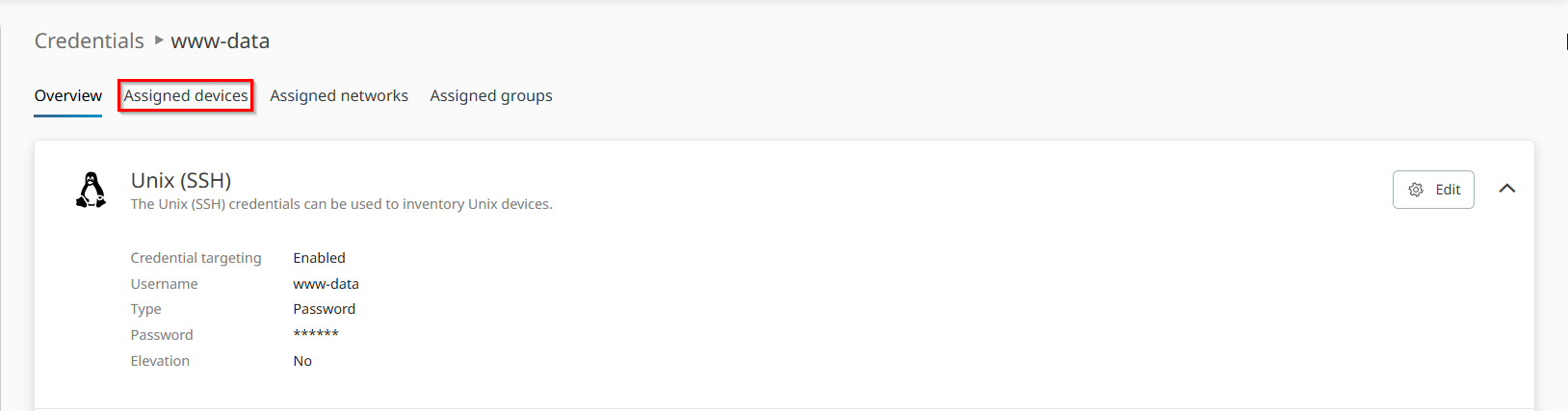
2.The details view of the credentials is opened. Click on the Assigned devices tab.
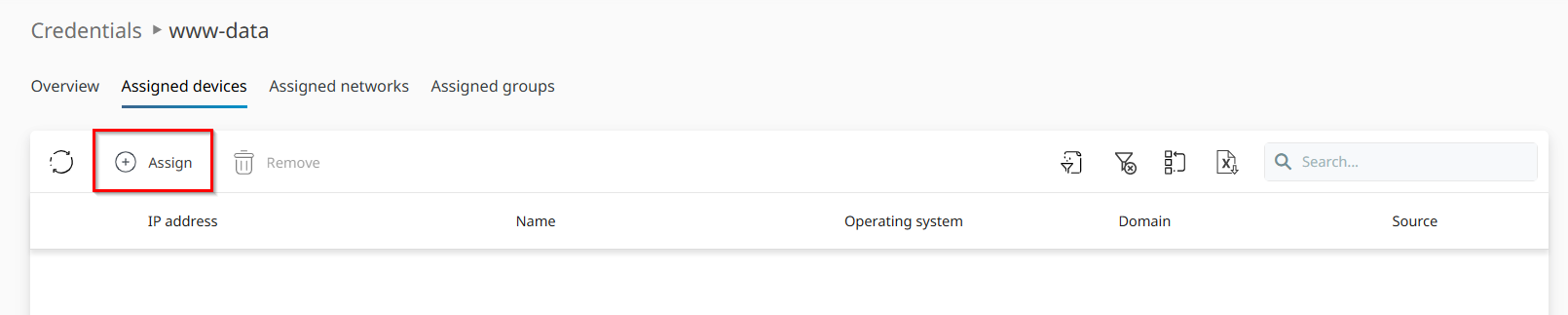
3.Under Assigned devices, click on Assign to open the Add credential assignment wizard.
4.Select the media-server device inside of the list view and click on Next.
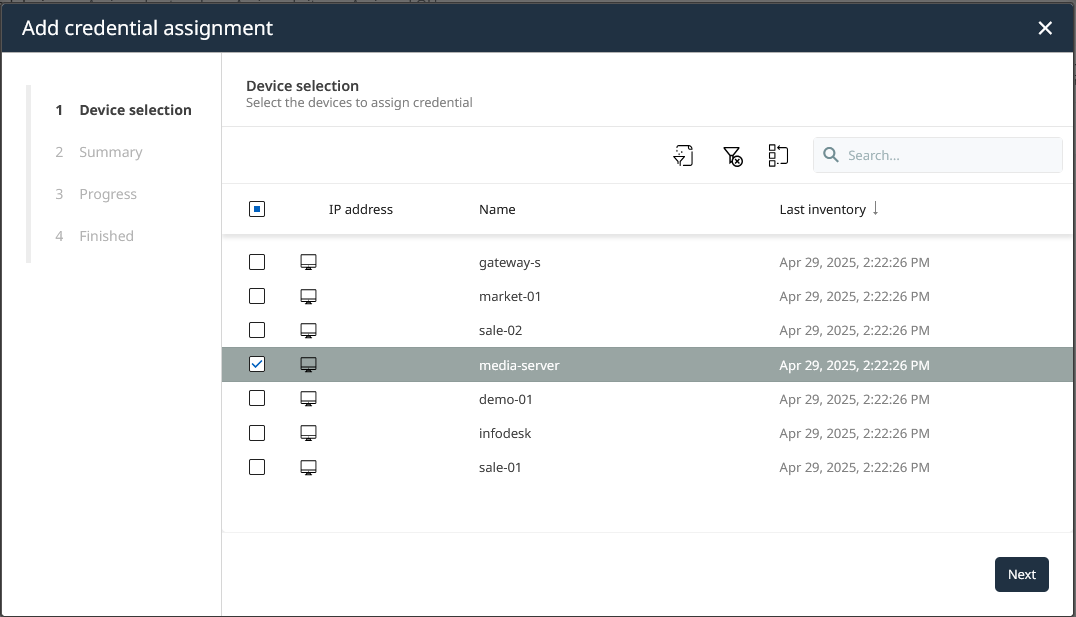
Device names are spelled lower-case by design. Basically, Domain Name System (DNS) resolution is case-insensitive.
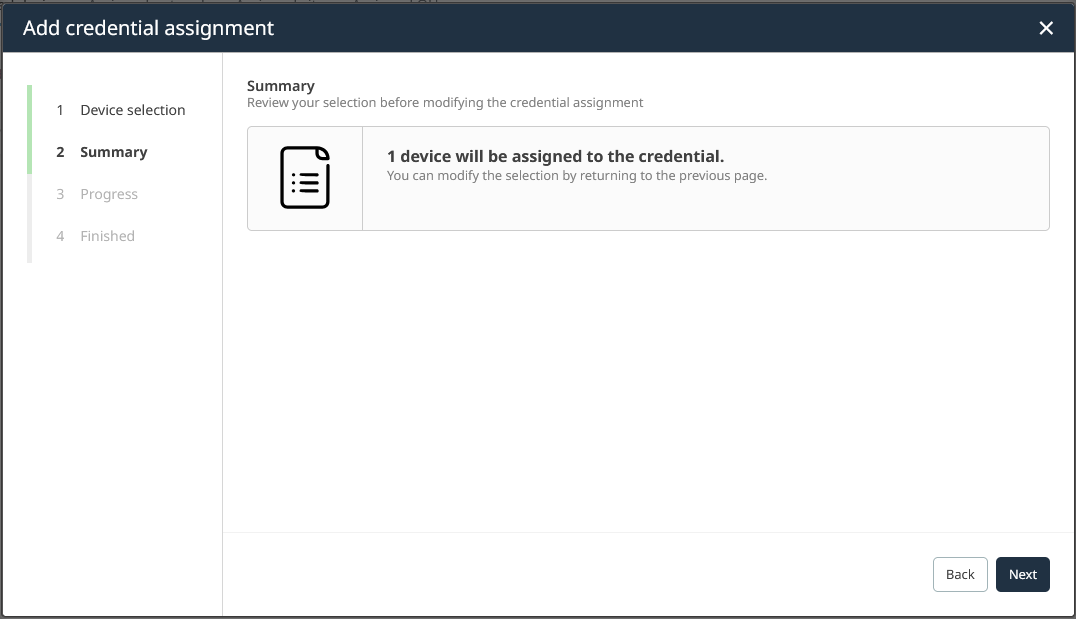
5.Check the displayed summary. It should match our intention to add one device relationship. Click on Next to continue.
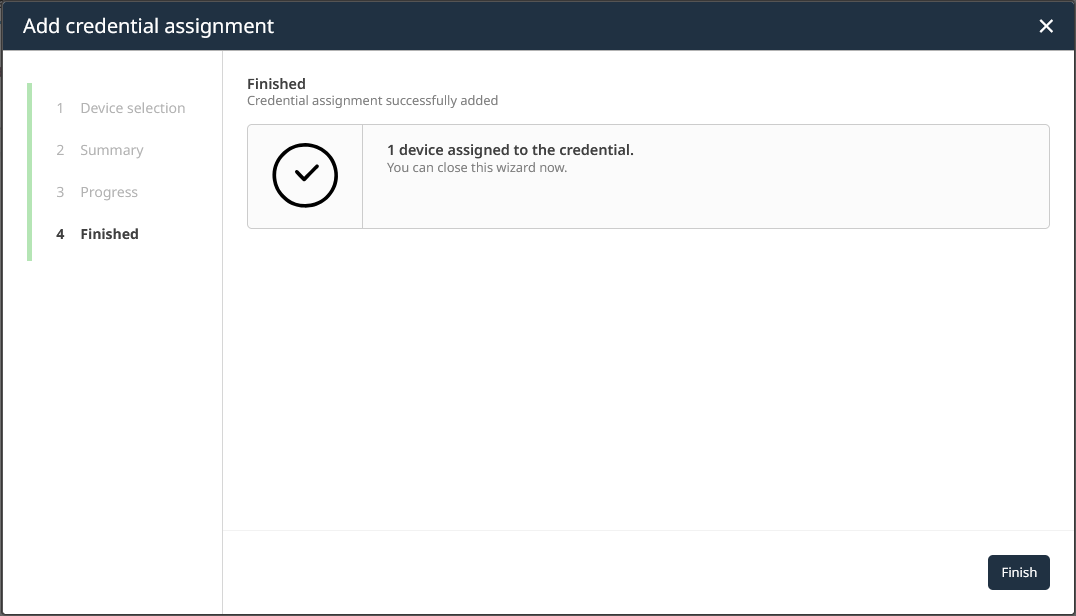
6.The relationship addition is successful. Click on Finish to close the wizard.
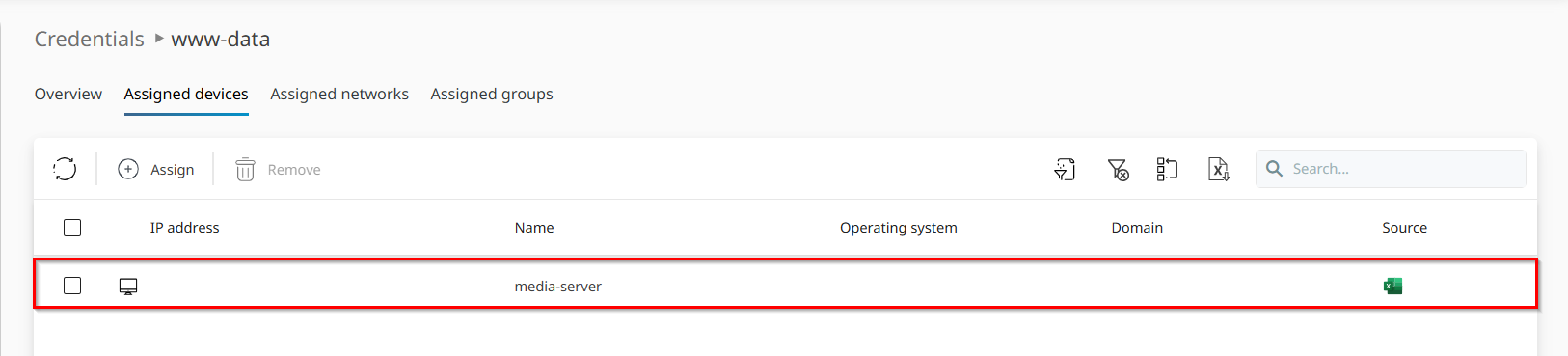
7.After returning to the Credentials details view, you'll find your newly assigned device in the list.
You have successfully created a device-credential relationship. Credentials can also be assigned to networks, sites, resource groups, and other supported assignment types. The next chapter explains how to create broader credential assignments.