The Web Dashboard allows you to apply filtering to Excel and Object data sources.
Apply Filtering
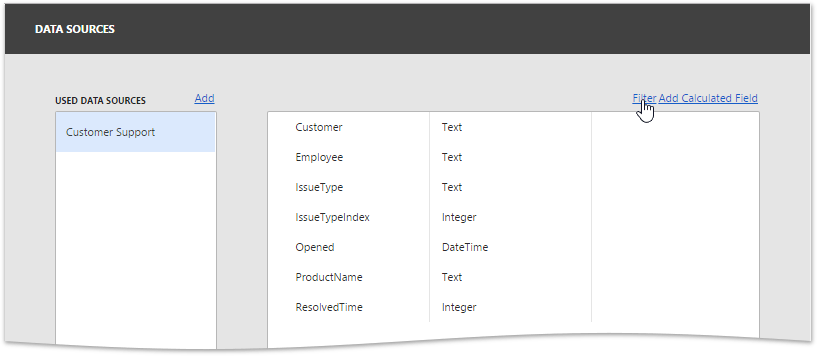
To apply filtering to a data source, open the dashboard menu, invoke the Data Sources page and click the Filter button.
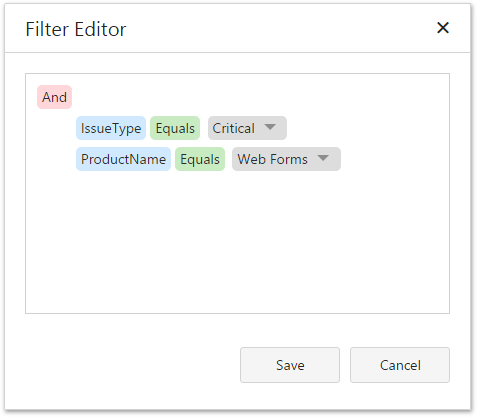
This will invoke the Filter Editor dialog, which allows you to build filter criteria with a convenient tree-like interface.
Pass Parameter Values
You can use the Filter Editor to filter a data source according to the current parameter value. To learn more, see the Dashboard Parameters topic.