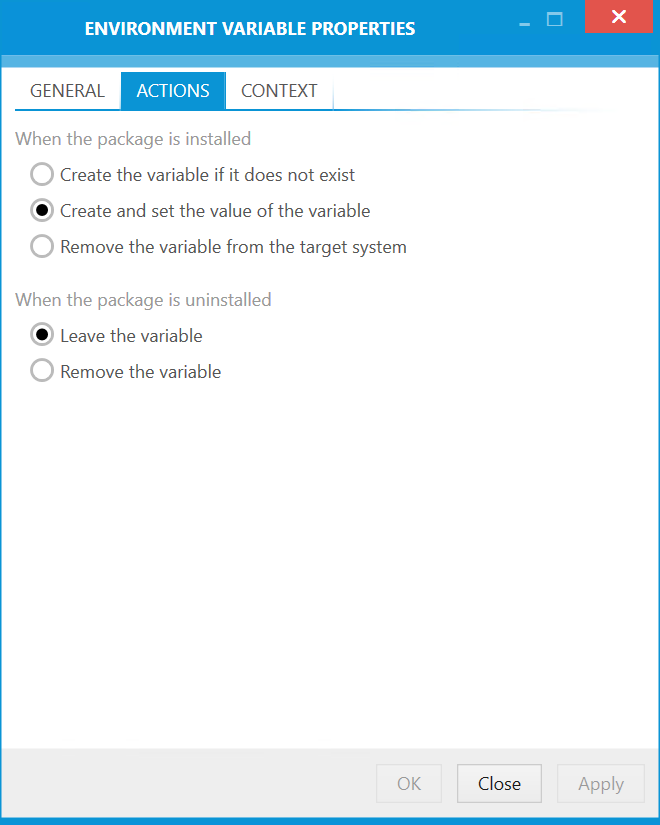
The Actions tab is divided into the When the package is installed and the When the package is uninstalled section. Select the appropriate action for both stages by using the radio buttons.
When the Package Is Installed
•Create the variable if it does not exist
•Create and set the value of the variable
•Remove the variable from the target system
When the Package is Uninstalled
•Leave the variable
•Remove the variable