In the Deployment Settings tab, the user interaction regarding the deployment can be configured. The options are divided into two categories.
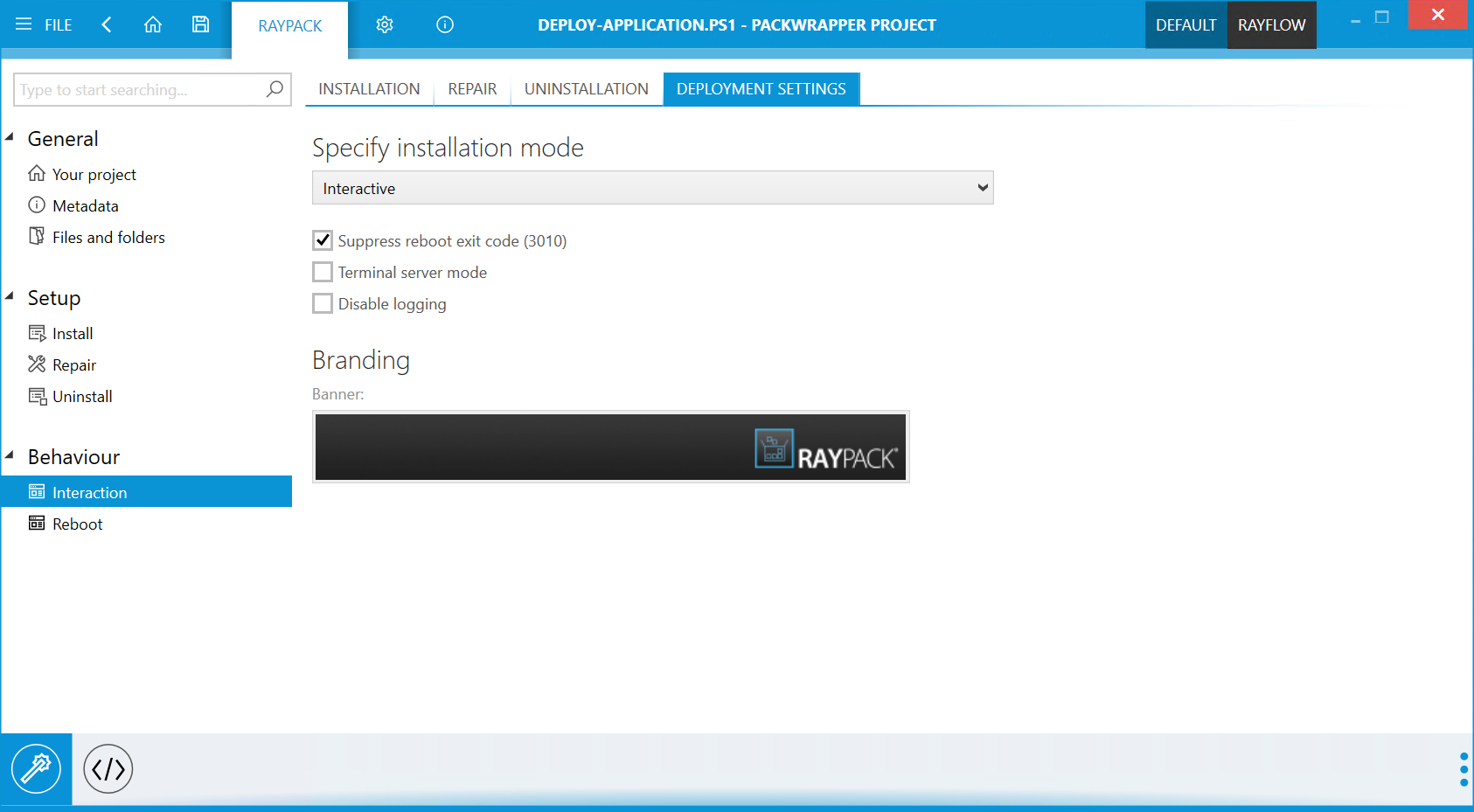
Specify Installation Mode
Select the installation mode from the dropdown menu. The following installation modes are available:
•Interactive
•NonInteractive
•Silent
•Suppress reboot exit code (3010): If checked, the reboot exit code (3010) will be suppressed and the installation will be considered successful. Uncheck to not suppress the exit code.
•Terminal server mode: If checked, the terminal server mode will be used. Leave unchecked, to not use the terminal server mode.
•Disable logging: If checked, logging will be disabled. Leave unchecked, to not disable logging.
Branding
•Banner: Click on the banner below to open the browser and select a custom banner.