•Enter the Client ID into the corresponding field.
•Enter the Tenant ID into the corresponding field.
•Enter the Client Secret into the corresponding field.
|
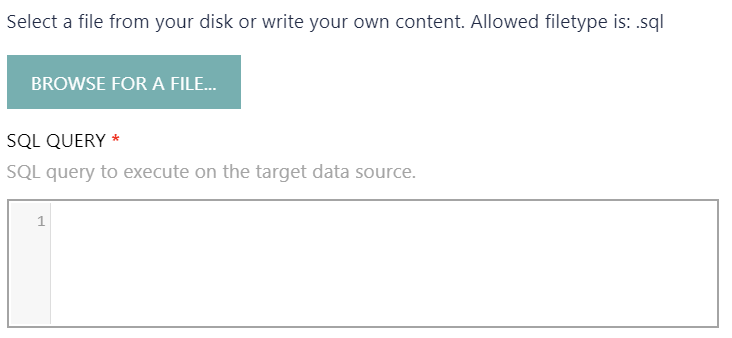
•Either manually enter an SQL query that will be executed on the database into the SQL QUERY field or use the BROWSE FOR A FILE... button to select an already existing .sql file. |
|
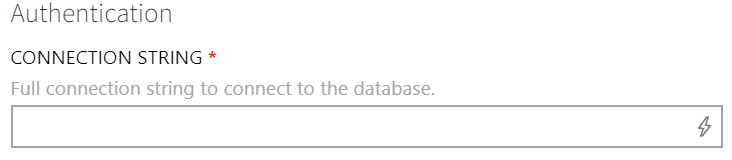
•Enter the full connection string to the database into the CONNECTION STRING field. For example: "Server=172.16.31.78, 3306;Database=RayVentoryDataHub;User Id=ExampleUser;Password=ExamplePassword" |