 |
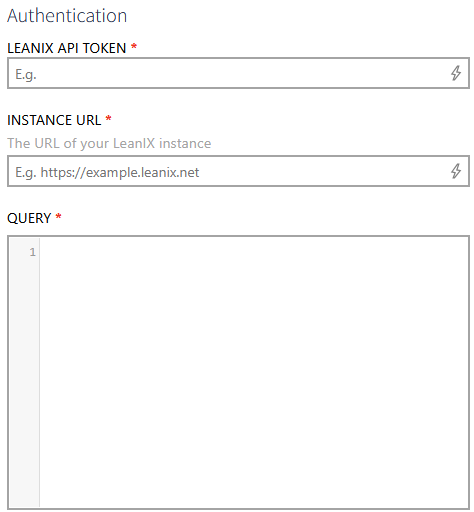
•Enter the URL of your LeanIX instance into the INSTANCE URL field (for example, https://example.leanix.net). •Enter the LeanIX API token into the LEANIX API TOKEN field. This value is masked and stored securely. •Enter the GraphQL query to execute against the LeanIX API into the QUERY field. The query must return data using an edges/nodes structure so that the connector can derive the result table schema automatically. |