Finally, import the task results back into Data Hub. Navigate to the Tasks page and click the Import task result button.
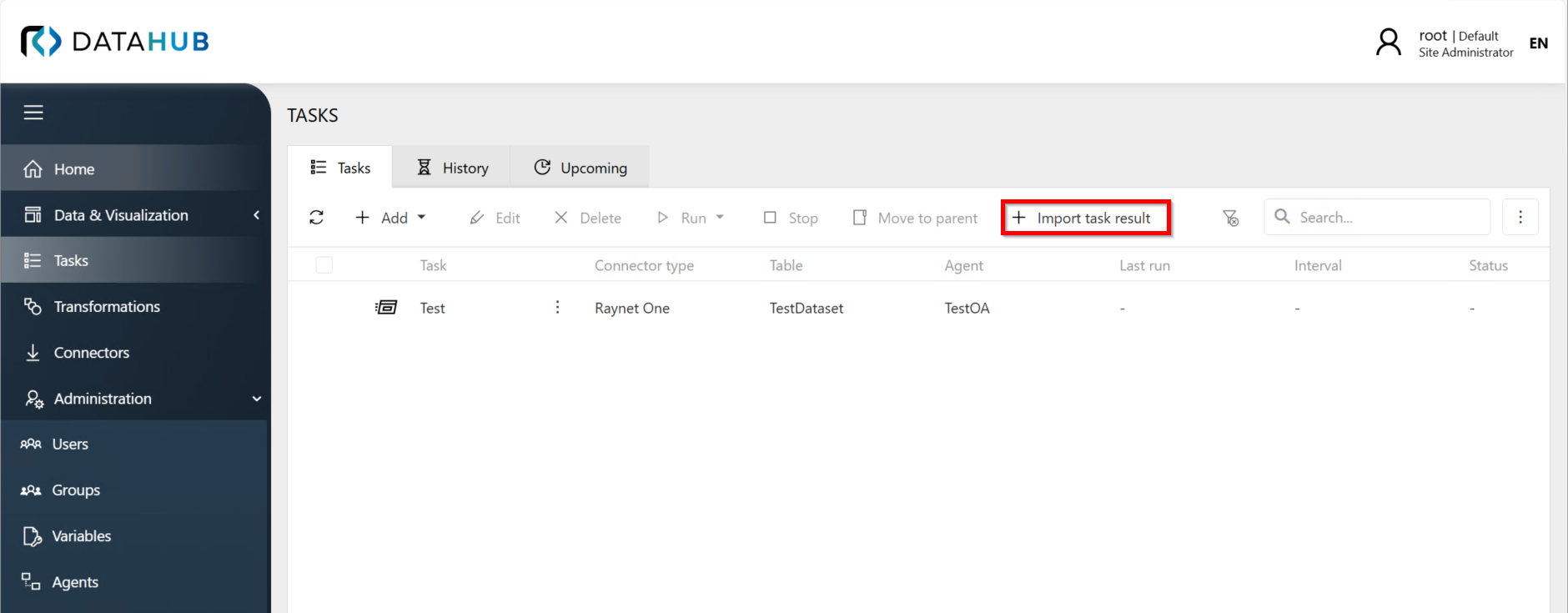
Upload the result ZIP file using the import wizard and click Next. Review the preview of the result tables and click Import. The system will automatically determine which task the results belong to, create a new task execution entry, and import all associated result tables and data.