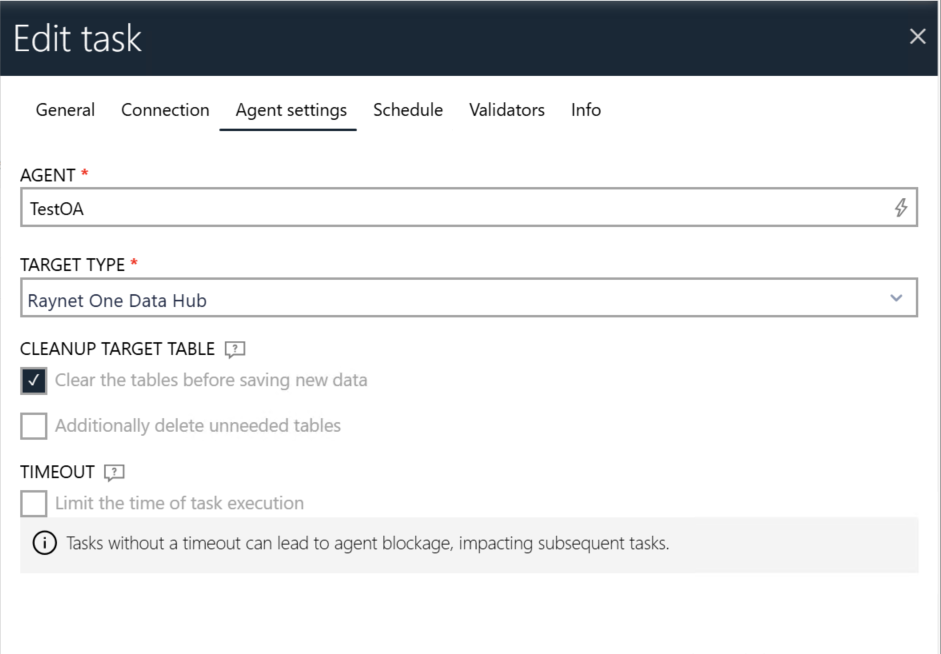
Navigate to the task you want to run and click Edit. Switch to the Agent Settings tab and assign the offline agent created earlier.
Configure any required variables for the task. Once finished, click Save Changes and then Export for Agent. The task package will be downloaded. Extract the downloaded ZIP file to a folder.
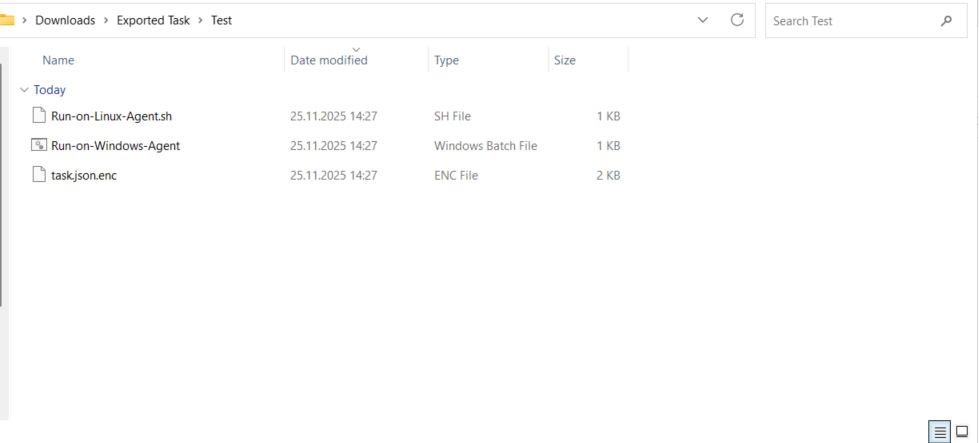
After extracting the package, verify that the folder contains the following items: the task.json.enc file (the encrypted task configuration), the Run-on-Windows-Agent.bat script for Windows environments, and the Run-on-Linux-Agent.sh script for Linux environments.