This tab contains general task settings. Most of them are already set by default to reasonable values. The actual content of this tab depends on the current connector type. Below are some examples:
Every task requires other parameters and shows a dedicated UI. Below is an example of the configuration of Microsoft Dynamics CRM:
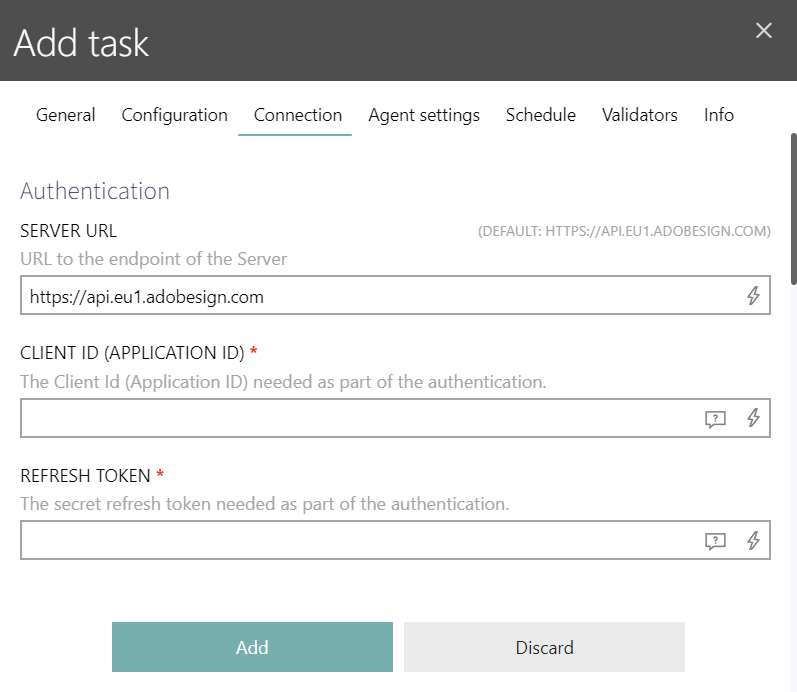
The fields marked with * are required. For optional fields you can leave the default value or enter a custom value as required per-task. As a rule of thumb, task configures what is to be done, and the parameters required for connection, authentication and authorization are defined in the Connection tab. If there is no configuration required / available, the whole Configuration tab may be grayed out.
The following chapters show how to configure specific common task types:
•Configuring Microsoft SQL Server Tasks
•Configuring Active Directory Tasks
•Using the PowerShell Connector (includes AI script generation)
AI-Powered Script Generation
For task types that require custom scripts (PowerShell, Python, SQL, and MariaDB), you can use the Generate with AI feature to automatically generate scripts based on natural language descriptions of your requirements. This feature is available in the Configuration tab for supported task types. Click the Generate with AI button below the script text field to open an interactive chat window where you can describe what you want the script to do. For more details, see: Using the PowerShell Connector - Generating Scripts with AI.