Required Python Dependencies
This connector requires the following Python library to be installed on the DataHub server:
•requests (for HTTP API communication)
One-Time Installation Required
Before using this connector for the first time, you must manually install the required Python dependencies.
Installation Command:
pip install requests
After Installation Steps
|
Important: You must restart DataHub services after installing dependencies. |

Windows:
1.Stop "DataHub Agent" and "DataHub" services via Services.msc
2.Start "DataHub" service first, then "DataHub Agent" service
3.Verify the connector functions correctly
Linux:
sudo systemctl stop datahub-agent datahub
sudo systemctl start datahub datahub-agent
API Credentials Configuration
In order to use the connector it is necessary to create API credentials for the Exavault API.
Navigate to the Settings > Developer section and click the + icon located next to API Keys.
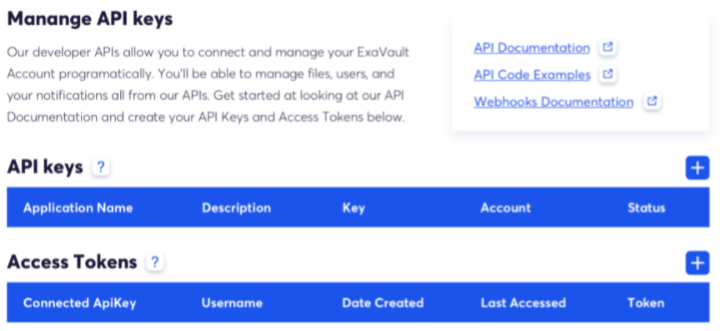
Follow the on-screen instructions to setup the API Key and the Access Token. Once the setup is complete a pop-up with the alphanumeric key and token are shown.
|
Be aware: Save the credentials securely because it will not be possible to access the token again. It the token is lost, it is necessary to create a new one! |
