The Settings section contains global configuration options for Raynet One. The available tabs include Runbook, Port settings, Inventory settings, Import settings, Oracle settings, and License Management settings.
The License Management settings tab contains global settings for compliance evaluation and price display behavior in License Management.
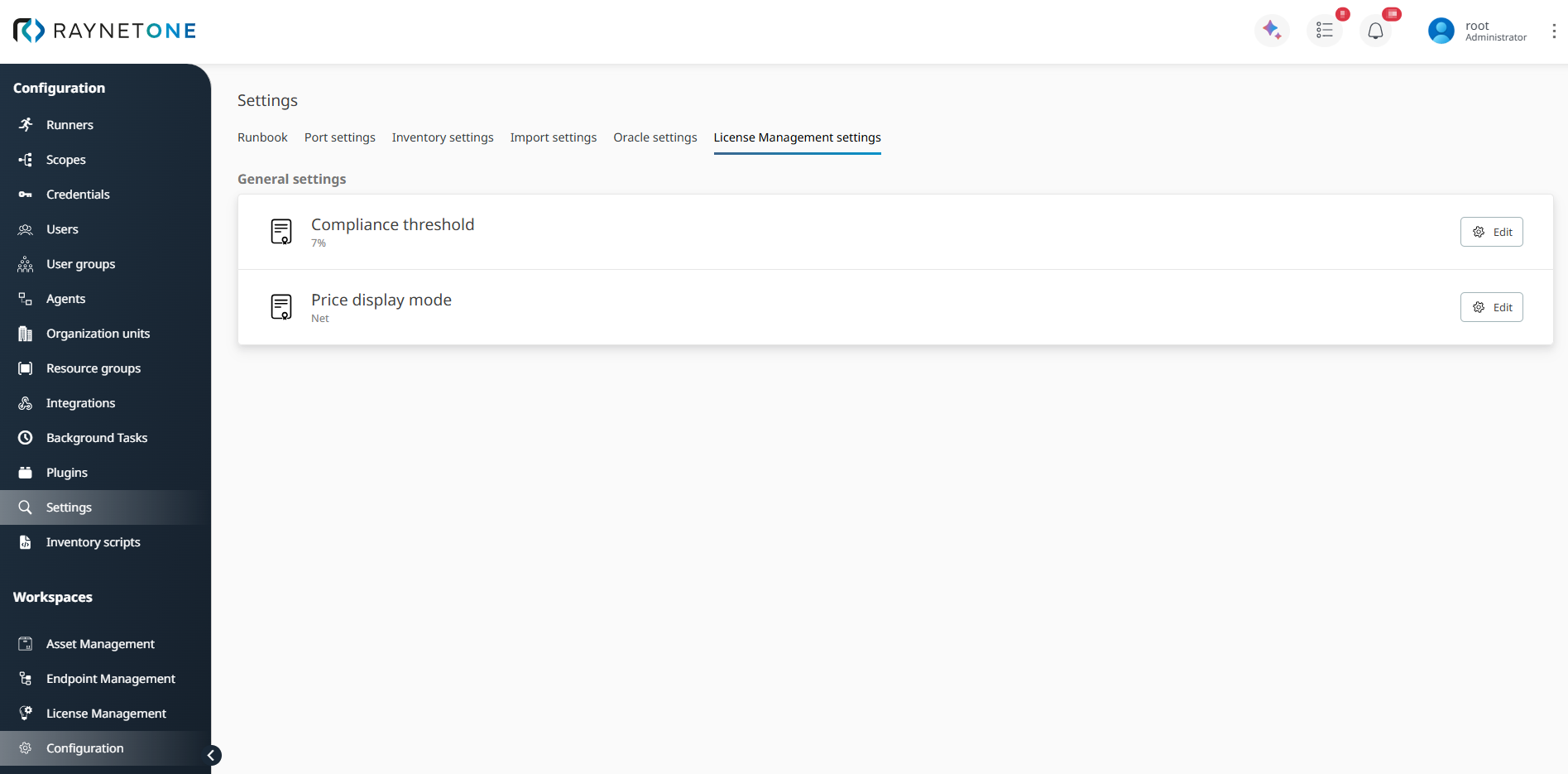
Configuration > Settings > License Management settings with Compliance threshold and Price display mode.
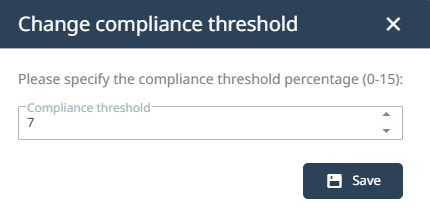
Compliance threshold defines the percentage tolerance used when evaluating license compliance status. If the license balance is not exactly 0, the product may still be considered compliant when the difference from 0 is within the configured percentage margin. The value can be set between 0 and 15 percent. A lower threshold makes the compliance evaluation stricter, while a higher threshold allows a larger tolerance range. To change the value, click Edit next to Compliance threshold, enter the required percentage, and save the change.
Price display mode defines whether license-related prices and values are displayed as net or gross amounts. Select Net to display amounts without tax. Select Gross to display amounts including tax. To change the mode, click Edit next to Price display mode, select Net or Gross, and save the change.
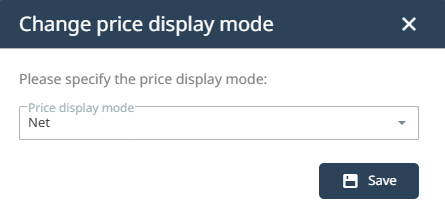
After saving, the selected price display mode determines how applicable price and value fields are displayed.