Device Settings Details

<< Click to Display Table of Contents >>

RayManageSoft Unified Endpoint Manager > 3.1 u5 > User Guide > Administration > Device Settings 

Device Settings Details

When opening the details for a set of device settings, these consist of two parts. The left part contains some general information of the device settings.
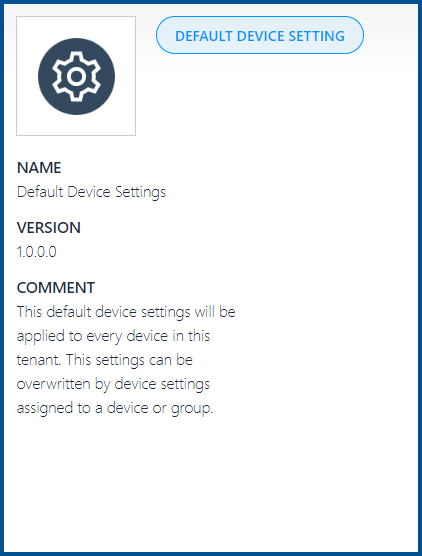
 

Default Device Setting Overview


On the right side the specific device settings are listed. This part is divided into different tabs which each contain related settings.


The following tabs are available.


•Common

•Installation Agent

•Inventory Agent

•Policy Agent

•AppCenter

•Upload Agent

•Contact